
About
This is an introductory Java course complement to the AP Computer Science A course taught using CSAwesome2
by Barbara Ericson and Beryl Hoffman's on Runestone Academy. The College Board AP Computer Science A course webpage and information, including the course overview, can be found here.
The activities presented are based on the official Java Documentation. The target audience for this course are high school students with little or no experience programming in Java using the free companion textbook, CSAwesome2.
This course covers the basics of object-oriented programming through Java from creating primitive data type variables and performing operations on them, control structures, different types of iteration, and simple data structures: arrays, ArrayLists, and 2D arrays. This course also includes using Java's built in classes, like the String class, to create and use objects and their methods. It explores developing classes to create custom object types. The topic of inheritance is introduced as well.
There are no official prerequisites for this course, but a strong background in logic or advanced algebra is recommended.
External author course
This course was created and is maintained by an independent author. JetBrains Academy only verifies that it works correctly and is safe to use. For any questions about the content, please contact the course author directly.
Content
- NumberPalindrome
- Christmas
- CipherDisk
- Quadratic
- ReguarPolygon
- SwingExample
- Lottery
- TaxPayer
- MovieTheatreSale
- LoanTable
- LotteryRevisited
- MadLibs
- ReportCards
- Compact
- SoccerStatistics
- MadLibsRevisited
- Student
- School
- TicTacToe
- Question 1 TextProcessor
- Question 1 SwimInstructor
- Question 2 Stopwatch
- Question 2 StockPortfolio
- Question 3 EmployeeDirectory
- Question 3 VideoLibrary
- Question 4 Restaurant
- Question 4 WeatherStation

What do you need to start?
Install the free JetBrains Toolbox App
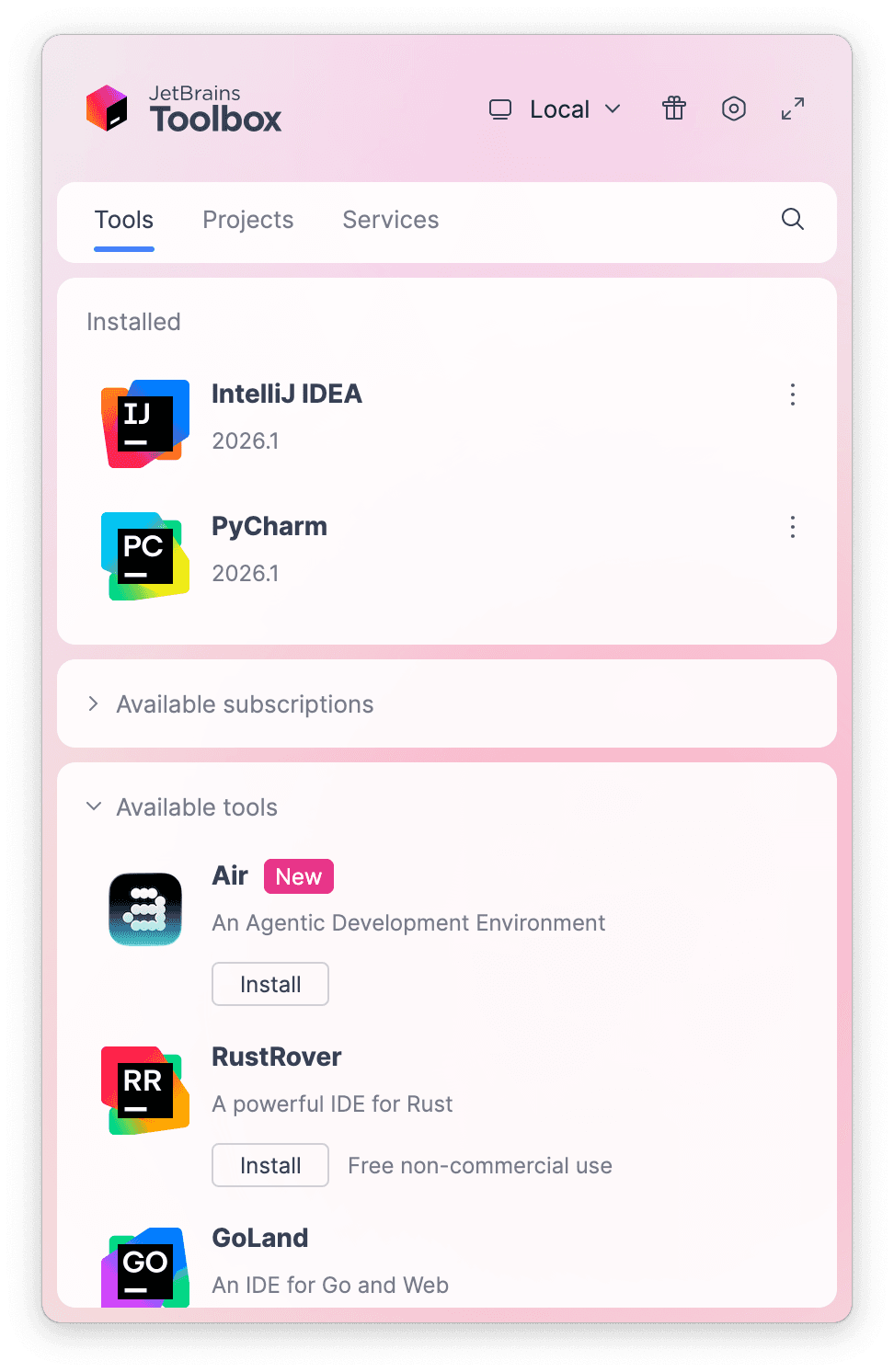
The JetBrains Toolbox App 2.7+ makes setting up your course effortless. Already have a compatible IDE? It will launch it. If not, the app will install the right IDE for your course.
Learn more about our licenses here.
Confirm the course launch
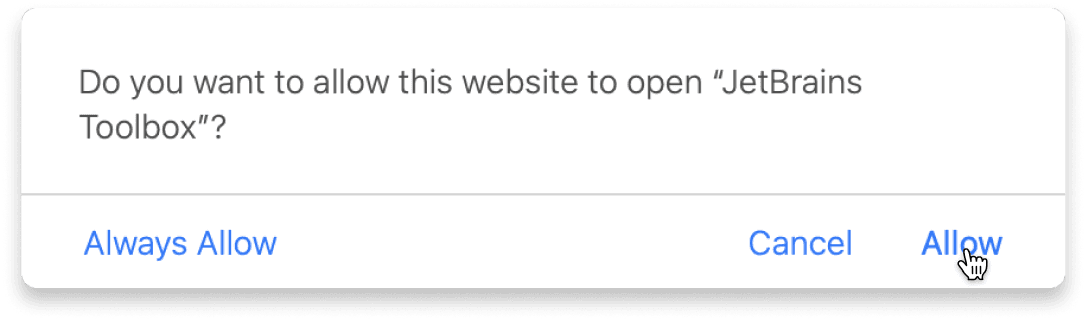
Click Take course and then Allow to open the Toolbox App.
Select Always Allow to skip this confirmation in the future.
To return to the course later, find it in your IDE's recent projects.
Need more help? Check out our guide.
The JetBrains Toolbox App 2.7+ makes setting up your course effortless. Already have a compatible IDE? It will launch it. If not, the app will install the right IDE for your course.
Learn more about our licenses here.
Click Take course and then Allow to open the Toolbox App.
Select Always Allow to skip this confirmation in the future.
To return to the course later, find it in your IDE's recent projects.
Need more help? Check out our guide.
FAQ and troubleshooting
Yes, you will need the JetBrains Toolbox App and a JetBrains IDE.
Just click this link to install the JetBrains Toolbox App. We've taken care of all the necessary settings, and the app will handle the rest of the setup for you.
The JetBrains Toolbox App checks which IDE is compatible with your course and whether it is installed on your computer. If you have the necessary IDE installed, the app will open it. If not, JetBrains Toolbox will initiate the installation, prioritizing free community editions.
Yes, the JetBrains Toolbox App is essential, even if you already have a JetBrains IDE. It automatically prepares your IDE for studying by installing the required plugins and updating the IDE if necessary.
Please make sure you have the latest version of the JetBrains Toolbox App. To update, open the app and click Update Toolbox App, or download the latest version here.
If you’re using a Chrome-based browser, please also allow Find devices on local networks in the popup that appears on the course page. When this permission is granted, the page will detect when the Toolbox App opens on your system and you’ll be able to open the course properly.
Yes! It's 100% free and works with both the free and paid versions of JetBrains IDEs.
If you're a student, apply for the Student Pack to get full access to JetBrains IDEs for the duration of your studies. If not, check if you qualify for a free non-commercial license.