
About
This is the first series of courses on JetBrains Marketplace for Chinese learners.
This course provides a new way for you to learn Java easily.
In this course, you will learn, - The concepts of object, constructor, attribute and method, etc. - How to understand OOP's content properly
If you have any questions, mail to 692000925@qq.com.
Have fun and good luck!
——————
这是JetBrain上首个面向中文学习者的系列课程,本课程旨在用通俗易懂的语言带你走进Java世界的大门,让零基础的你也能轻松愉快地学习编程,并掌握Java语言的核心。
众所周知Java是一门体系很广的编程语言,本课程把Java拆解为多个易于学习的模块。通过本课程你将学到
- 对象三部曲:对象、构造、属性和方法 - 面向对象三部曲:封装、继承与多态性,重载和重写、Java Bean等
希望你收获满满!
关注全网ID:@老刘大数据
更多课程资源:692000925@qq.com
External author course
This course was created and is maintained by an independent author. JetBrains Academy only verifies that it works correctly and is safe to use. For any questions about the content, please contact the course author directly.
Content
- Three Step to Object
- Three Step to OOP

What do you need to start?
Install the free JetBrains Toolbox App
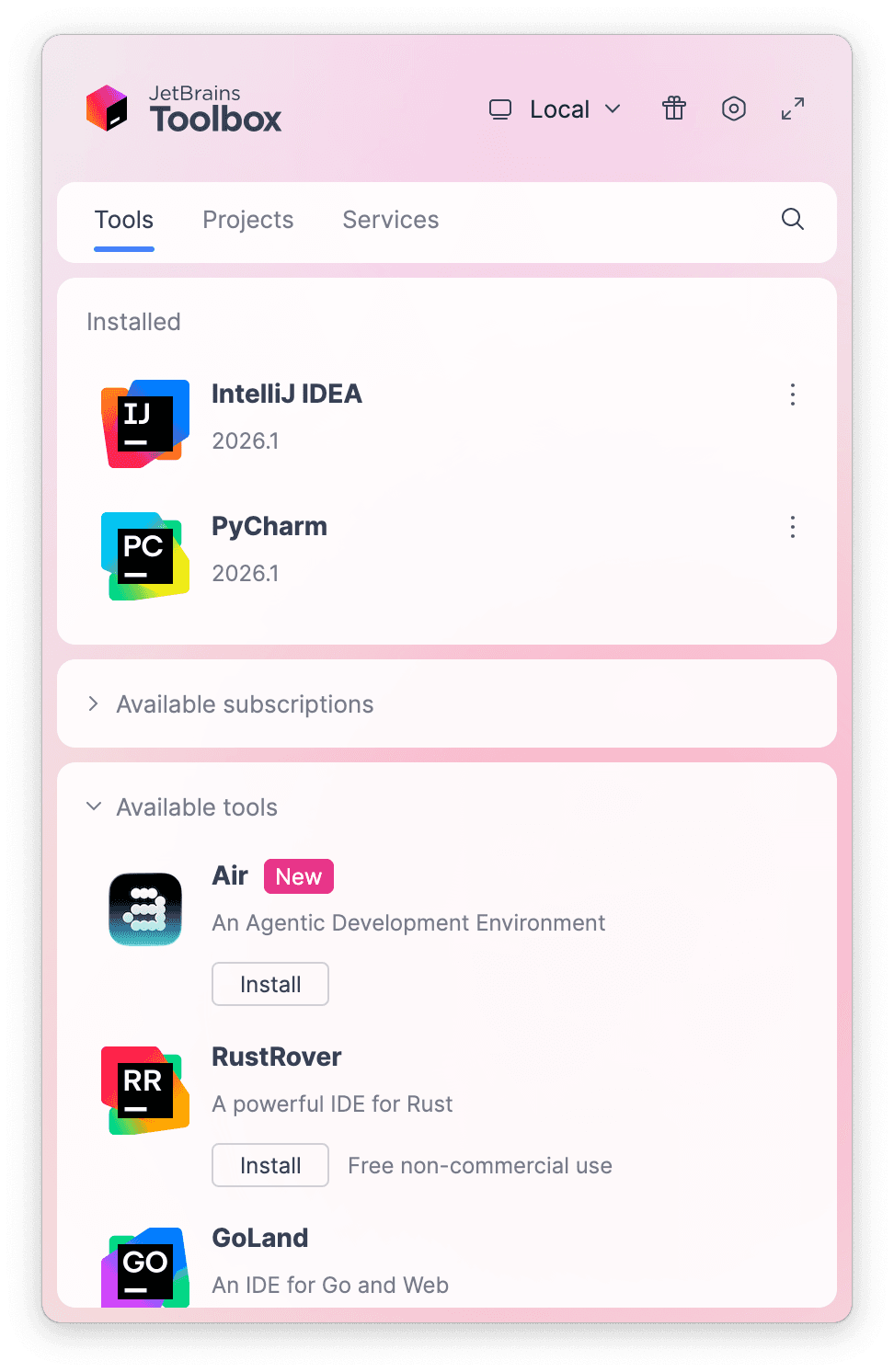
The JetBrains Toolbox App 2.7+ makes setting up your course effortless. Already have a compatible IDE? It will launch it. If not, the app will install the right IDE for your course.
Learn more about our licenses here.
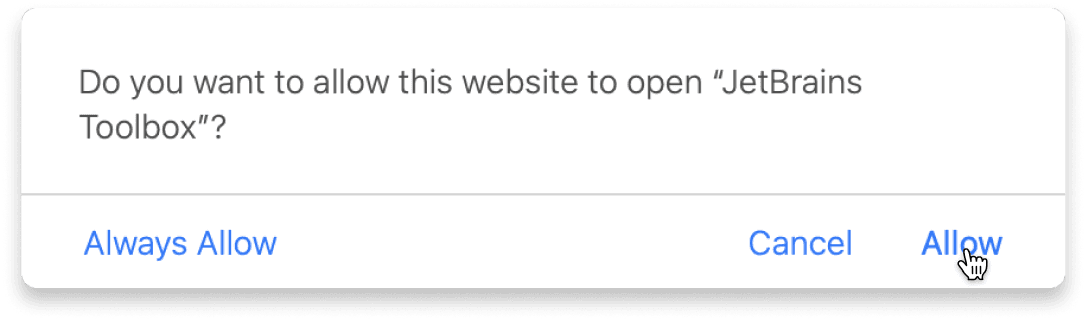
Confirm the course launch
Click Take course and then Allow to open the Toolbox App.
Select Always Allow to skip this confirmation in the future.
To return to the course later, find it in your IDE's recent projects.
Need more help? Check out our guide.
The JetBrains Toolbox App 2.7+ makes setting up your course effortless. Already have a compatible IDE? It will launch it. If not, the app will install the right IDE for your course.
Learn more about our licenses here.
Click Take course and then Allow to open the Toolbox App.
Select Always Allow to skip this confirmation in the future.
To return to the course later, find it in your IDE's recent projects.
Need more help? Check out our guide.
FAQ and troubleshooting
Yes, you will need the JetBrains Toolbox App and a JetBrains IDE.
Just click this link to install the JetBrains Toolbox App. We've taken care of all the necessary settings, and the app will handle the rest of the setup for you.
The JetBrains Toolbox App checks which IDE is compatible with your course and whether it is installed on your computer. If you have the necessary IDE installed, the app will open it. If not, JetBrains Toolbox will initiate the installation, prioritizing free community editions.
Yes, the JetBrains Toolbox App is essential, even if you already have a JetBrains IDE. It automatically prepares your IDE for studying by installing the required plugins and updating the IDE if necessary.
Please make sure you have the latest version of the JetBrains Toolbox App. To update, open the app and click Update Toolbox App, or download the latest version here.
If you’re using a Chrome-based browser, please also allow Find devices on local networks in the popup that appears on the course page. When this permission is granted, the page will detect when the Toolbox App opens on your system and you’ll be able to open the course properly.
Yes! It's 100% free and works with both the free and paid versions of JetBrains IDEs.
If you're a student, apply for the Student Pack to get full access to JetBrains IDEs for the duration of your studies. If not, check if you qualify for a free non-commercial license.