
100 Days of Code - The Complete Python Pro Bootcamp
About
The companion to the best-selling 100 Days of Code - The Complete Python Pro Bootcamp by Angela Yu on Udemy
Link to full course:
https://www.udemy.com/course/100-days-of-code/
External author course
This course was created and is maintained by an independent author. JetBrains Academy only verifies that it works correctly and is safe to use. For any questions about the content, please contact the course author directly.
Content
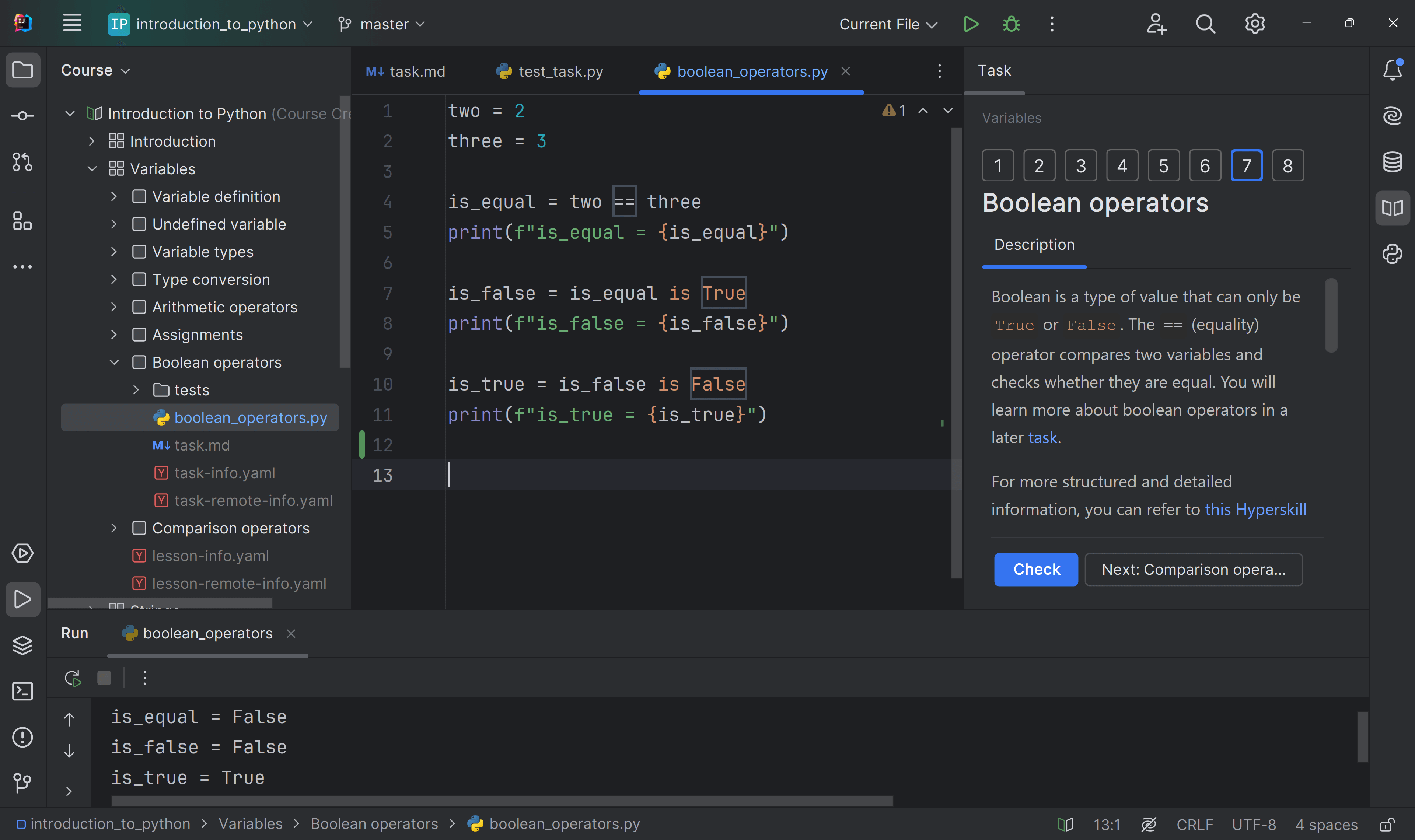
- Printing
- String Manipulation
- Inputs
- Variables
- Variable Naming
- Band Name Generator Project
- Data Types
- Type Error, Checking and Conversion
- Mathematical Operations
- Number Manipulation
- Tip Calculator Project
- If Else
- Modulo
- Nesting and Elif
- Multiple Ifs
- Python Pizza
- Logical Operators
- Treasure Island Project
- Random Module
- Lists
- Banker Roulette
- IndexError
- Rock Paper Scissors
- For Loops
- Highest Score
- For Loops with Range
- Password Generator Project
- Functions
- Step 1
- Step 2
- Step 3
- Step 4
- Step 5
- Functions with Inputs
- Positional vs Keyword Arguments
- Caesar Cipher 1
- Caesar Cipher 2
- Caesar Cipher 3
- Dictionaries
- Nested Lists and Dictionaries
- Blind Auction Project
- Functions with Outputs
- Multiple Return Values
- Docstrings
- Calculator Project
- Blackjack Project
- Namespaces and Scope
- Block Scope
- Global Vars
- Global Constants
- Number Guessing Project
- Describe the Problem
- Reproduce the Bug
- Play Computer
- Fix the Errors
- Use Print
- Use a Debugger
- Higher or Lower Project
- Coffee Machine Project
- Where are the rest of the days

What do you need to start?
Install the free JetBrains Toolbox App
The JetBrains Toolbox App 2.7+ makes setting up your course effortless. Already have a compatible IDE? It will launch it. If not, the app will install the right IDE for your course.
Learn more about our licenses here.
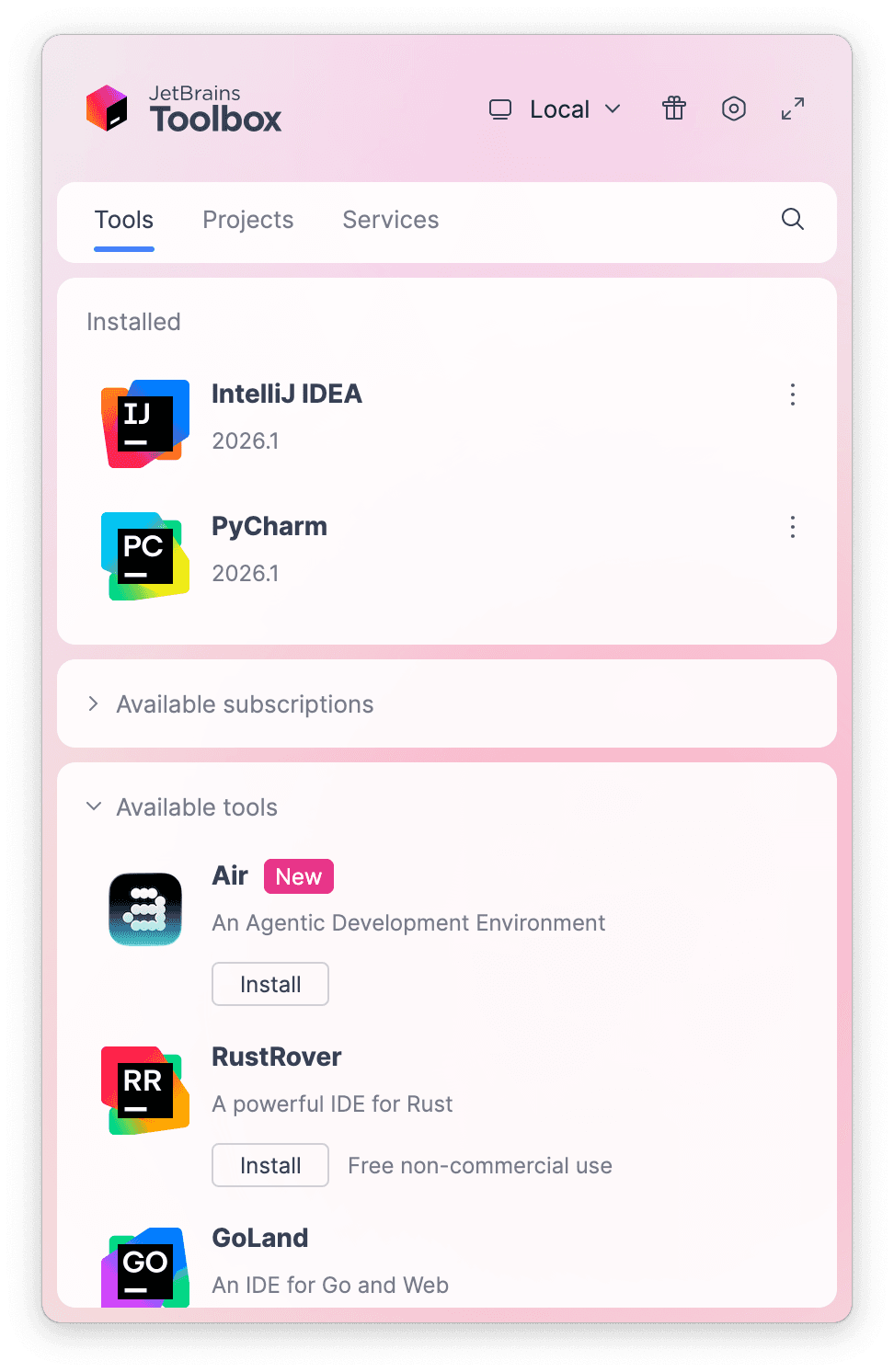
Confirm the course launch
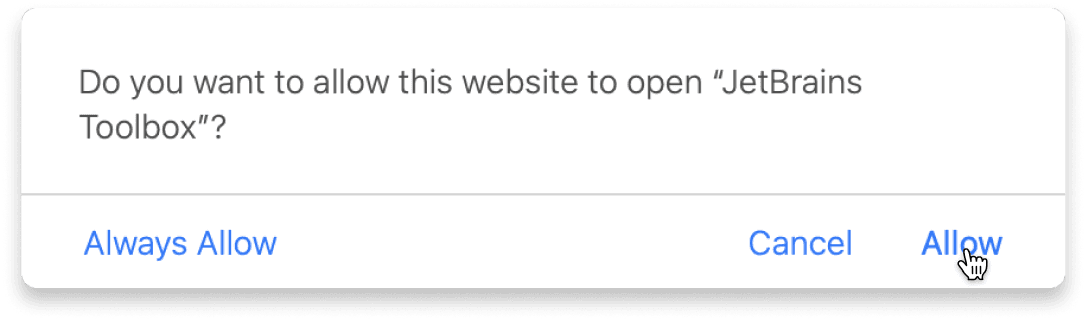
Click Take course and then Allow to open the Toolbox App.
Select Always Allow to skip this confirmation in the future.
To return to the course later, find it in your IDE's recent projects.
Need more help? Check out our guide.
The JetBrains Toolbox App 2.7+ makes setting up your course effortless. Already have a compatible IDE? It will launch it. If not, the app will install the right IDE for your course.
Learn more about our licenses here.
Click Take course and then Allow to open the Toolbox App.
Select Always Allow to skip this confirmation in the future.
To return to the course later, find it in your IDE's recent projects.
Need more help? Check out our guide.
FAQ and troubleshooting
Yes, you will need the JetBrains Toolbox App and a JetBrains IDE.
Just click this link to install the JetBrains Toolbox App. We've taken care of all the necessary settings, and the app will handle the rest of the setup for you.
The JetBrains Toolbox App checks which IDE is compatible with your course and whether it is installed on your computer. If you have the necessary IDE installed, the app will open it. If not, JetBrains Toolbox will initiate the installation, prioritizing free community editions.
Yes, the JetBrains Toolbox App is essential, even if you already have a JetBrains IDE. It automatically prepares your IDE for studying by installing the required plugins and updating the IDE if necessary.
Please make sure you have the latest version of the JetBrains Toolbox App. To update, open the app and click Update Toolbox App, or download the latest version here.
If you’re using a Chrome-based browser, please also allow Find devices on local networks in the popup that appears on the course page. When this permission is granted, the page will detect when the Toolbox App opens on your system and you’ll be able to open the course properly.
Yes! It's 100% free and works with both the free and paid versions of JetBrains IDEs.
If you're a student, apply for the Student Pack to get full access to JetBrains IDEs for the duration of your studies. If not, check if you qualify for a free non-commercial license.