
Interactive Java workbook 1
About
This is a demo version of volume 1 of the Interactive Java workbook multi-volume collection of tasks that covers object-oriented programming in the Java programming language.
The full version of the Interactive Java workbook can be purchased here:
My Ko-fi page
"Programming is learned through programming."
The idea is to practice programming in Java through hands-on work on a large number of diverse tasks from this collection.
- It is intended for beginner programmers, but also for those who want to learn object-oriented programming in the Java programming language.
- It is designed as supplementary material for existing programming courses, but still contains detailed lessons with code examples at the beginning of each chapter.
- The collection contains several hundred tasks divided into several volumes. Each task has a predefined solution, a suite of tests to check the correctness of the user's solution, hints to help the user solve the task, as well as a side-by-side comparison of the user's vs predefined solution.
- There are various types of tasks: questions and answers, code completion, syntax correction, code correction, program creation, alternative solution etc.
- The tasks are also organized by difficulty: from easy to intermediate and difficult.
Copyright © Bojan Tomić 2025. All rights reserved.
External author course
This course was created and is maintained by an independent author. JetBrains Academy only verifies that it works correctly and is safe to use. For any questions about the content, please contact the course author directly.
Content
- About this workbook
- What is programming
- About the Java programming language
- What is a class
- Question 1 E
- Question 2 E
- Question 3 E
- Question 4 E
- Question 5 E
- Question 6 E
- Question 7 E
- Question 8 E
- Question 9 E
- Code completion 1 E
- Code completion 2 E
- Code completion 3 E
- Code completion 4 E
- Code completion 5 E
- Code completion 6 E
- Code completion 7 E
- Code completion 8 E
- Code completion 9 E
- Code completion 10 E
- Syntax correction 1 E
- Syntax correction 2 E
- Syntax correction 3 E
- Syntax correction 4 E
- Syntax correction 5 E
- Syntax correction 6 E
- Syntax correction 7 E
- Syntax correction 8 M
- Syntax correction 9 M
- Task 1 E
- Task 2 E
- Task 3 M
- Task 4 M
- What are attributes
- Question 1 E
- Question 2 E
- Question 3 E
- Question 4 E
- Question 5 E
- Question 6 E
- Question 7 E
- Question 8 E
- Question 9 E
- Question 10 E
- Question 11 E
- Question 12 E
- Question 13 M
- Question 14 M
- Code completion 1 E
- Code completion 2 E
- Code completion 3 E
- Code completion 4 E
- Code completion 5 M
- Code completion 6 M
- Syntax correction 1 E
- Syntax correction 2 E
- Syntax correction 3 M
- Syntax correction 4 M
- Code correction 1 M
- Code correction 2 M
- Task 1 E
- Task 2 E
- Task 3 E
- Task 4 M
- Task 5 M
- What is an object
- Question 1 E
- Question 2 E
- Question 3 E
- Question 4 E
- Question 5 E
- Question 6 E
- Question 7 M
- Question 8 M
- Code completion 1 E
- Code completion 2 E
- Code completion 3 E
- Code completion 4 E
- Code completion 5 E
- Code completion 6 E
- Code completion 7 M
- Code completion 8 M
- Code completion 9 M
- Code completion 10 M
- Syntax correction 1 E
- Syntax correction 2 E
- Syntax correction 3 E
- Syntax correction 4 E
- Syntax correction 5 E
- Syntax correction 6 M
- Syntax correction 7 M
- Syntax correction 8 M
- Code correction 1 E
- Code correction 2 E
- Code correction 3 M
- Code correction 4 M
- Task 1 E
- Task 2 E
- Task 3 E
- Task 4 E
- Task 5 M
- Task 6 M
- Alternative solution 1 M
- Alternative solution 2 M
- Next steps

What do you need to start?
Install the free JetBrains Toolbox App
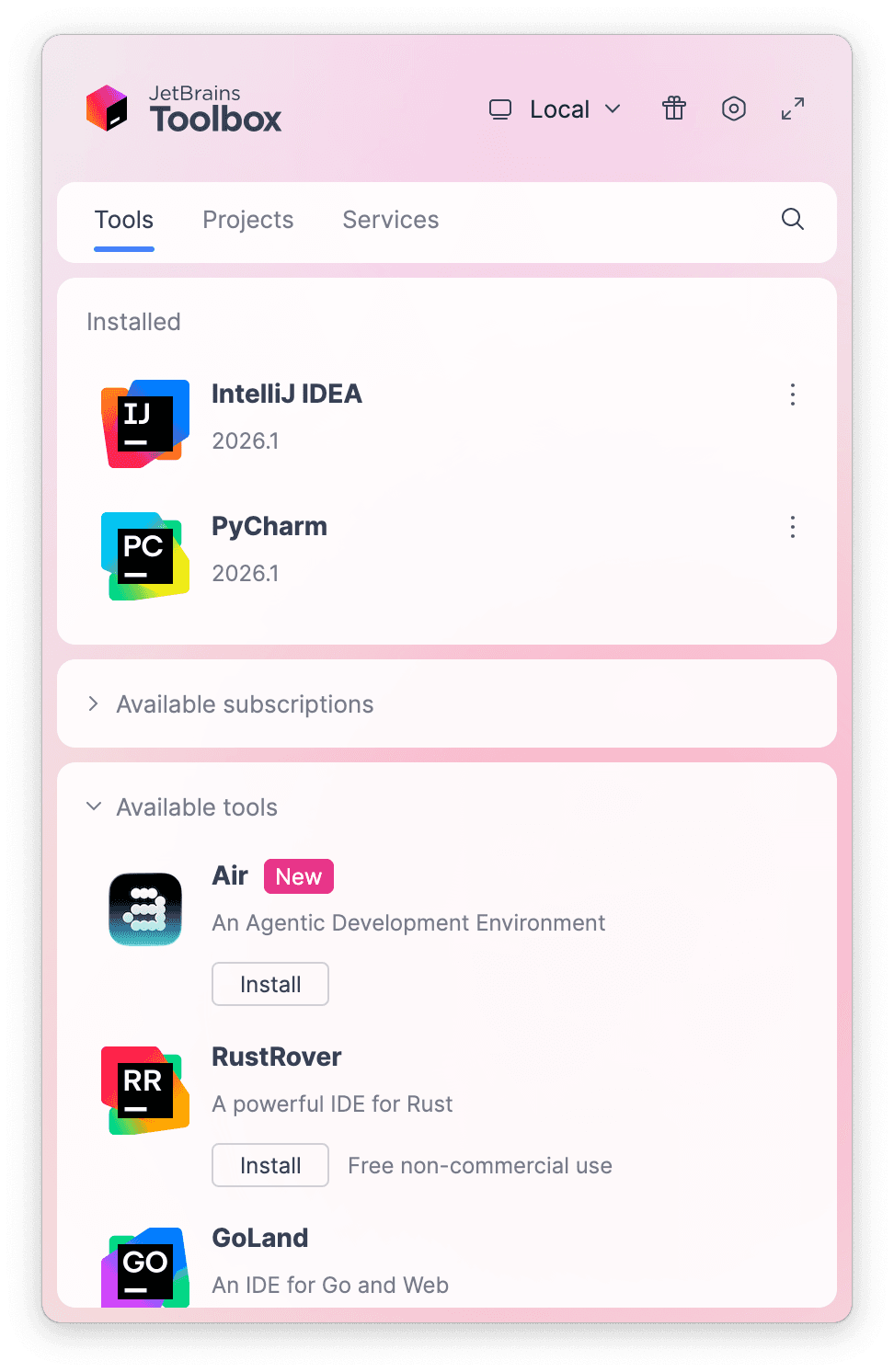
The JetBrains Toolbox App 2.7+ makes setting up your course effortless. Already have a compatible IDE? It will launch it. If not, the app will install the right IDE for your course.
Learn more about our licenses here.
Confirm the course launch
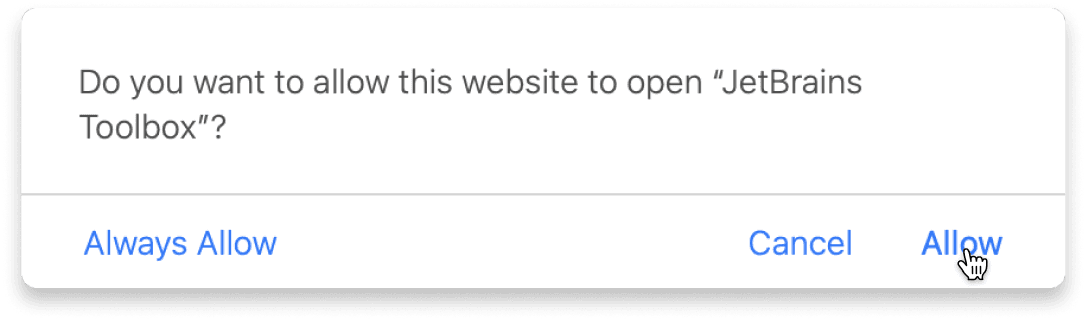
Click Take course and then Allow to open the Toolbox App.
Select Always Allow to skip this confirmation in the future.
To return to the course later, find it in your IDE's recent projects.
Need more help? Check out our guide.
The JetBrains Toolbox App 2.7+ makes setting up your course effortless. Already have a compatible IDE? It will launch it. If not, the app will install the right IDE for your course.
Learn more about our licenses here.
Click Take course and then Allow to open the Toolbox App.
Select Always Allow to skip this confirmation in the future.
To return to the course later, find it in your IDE's recent projects.
Need more help? Check out our guide.
FAQ and troubleshooting
Yes, you will need the JetBrains Toolbox App and a JetBrains IDE.
Just click this link to install the JetBrains Toolbox App. We've taken care of all the necessary settings, and the app will handle the rest of the setup for you.
The JetBrains Toolbox App checks which IDE is compatible with your course and whether it is installed on your computer. If you have the necessary IDE installed, the app will open it. If not, JetBrains Toolbox will initiate the installation, prioritizing free community editions.
Yes, the JetBrains Toolbox App is essential, even if you already have a JetBrains IDE. It automatically prepares your IDE for studying by installing the required plugins and updating the IDE if necessary.
Please make sure you have the latest version of the JetBrains Toolbox App. To update, open the app and click Update Toolbox App, or download the latest version here.
If you’re using a Chrome-based browser, please also allow Find devices on local networks in the popup that appears on the course page. When this permission is granted, the page will detect when the Toolbox App opens on your system and you’ll be able to open the course properly.
Yes! It's 100% free and works with both the free and paid versions of JetBrains IDEs.
If you're a student, apply for the Student Pack to get full access to JetBrains IDEs for the duration of your studies. If not, check if you qualify for a free non-commercial license.