
About
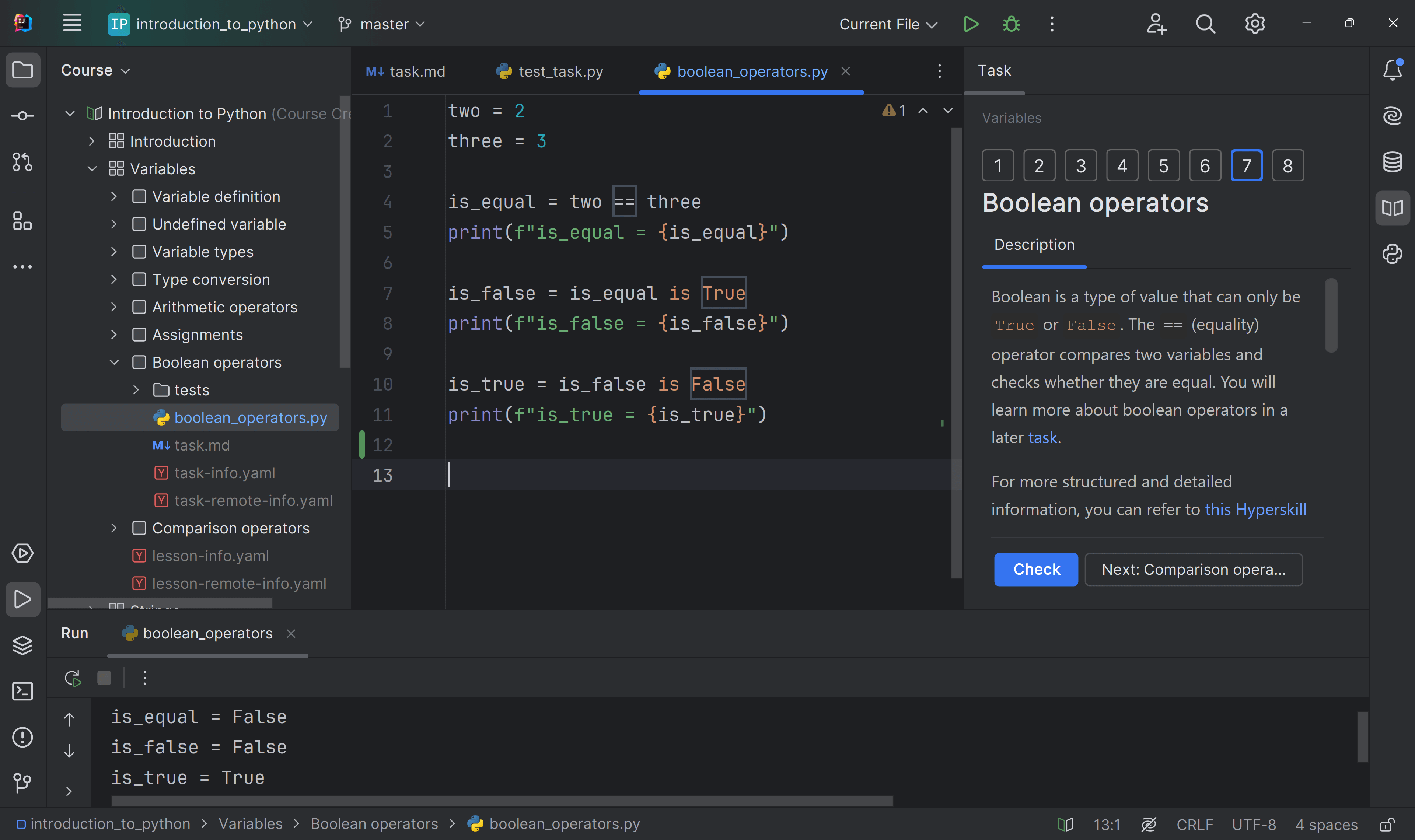
First, this is an introductory Python course designed for Chinese learners.
11年程序员和你一起学Python,不念PPT,不复制粘贴,用心设计每一小节课程。这便是《碎片时间学Python》!
以通俗浅显的语言解释抽象的概念,不给初学者造成认知负担。
将庞杂知识分阶段梳理,减轻学习负担。
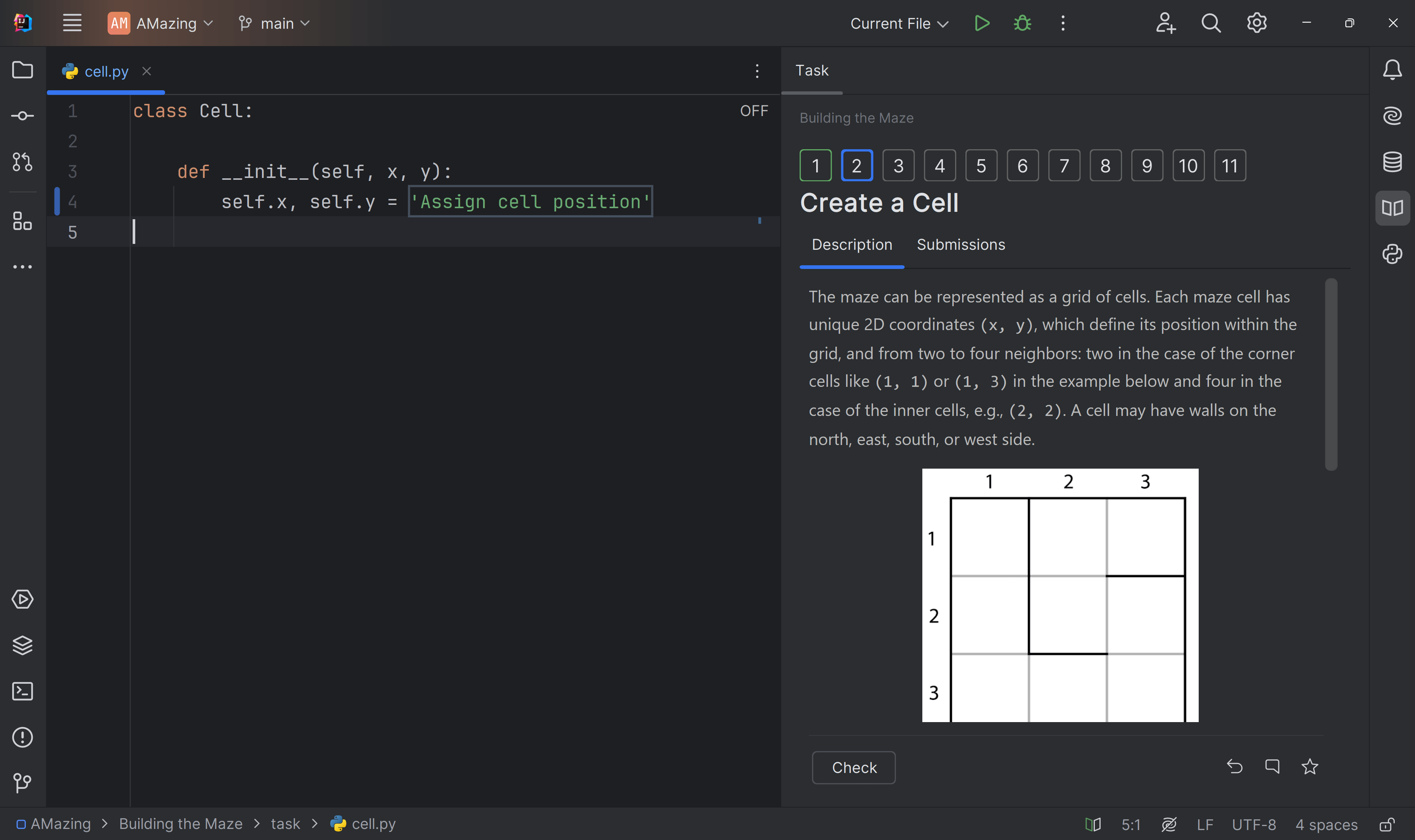
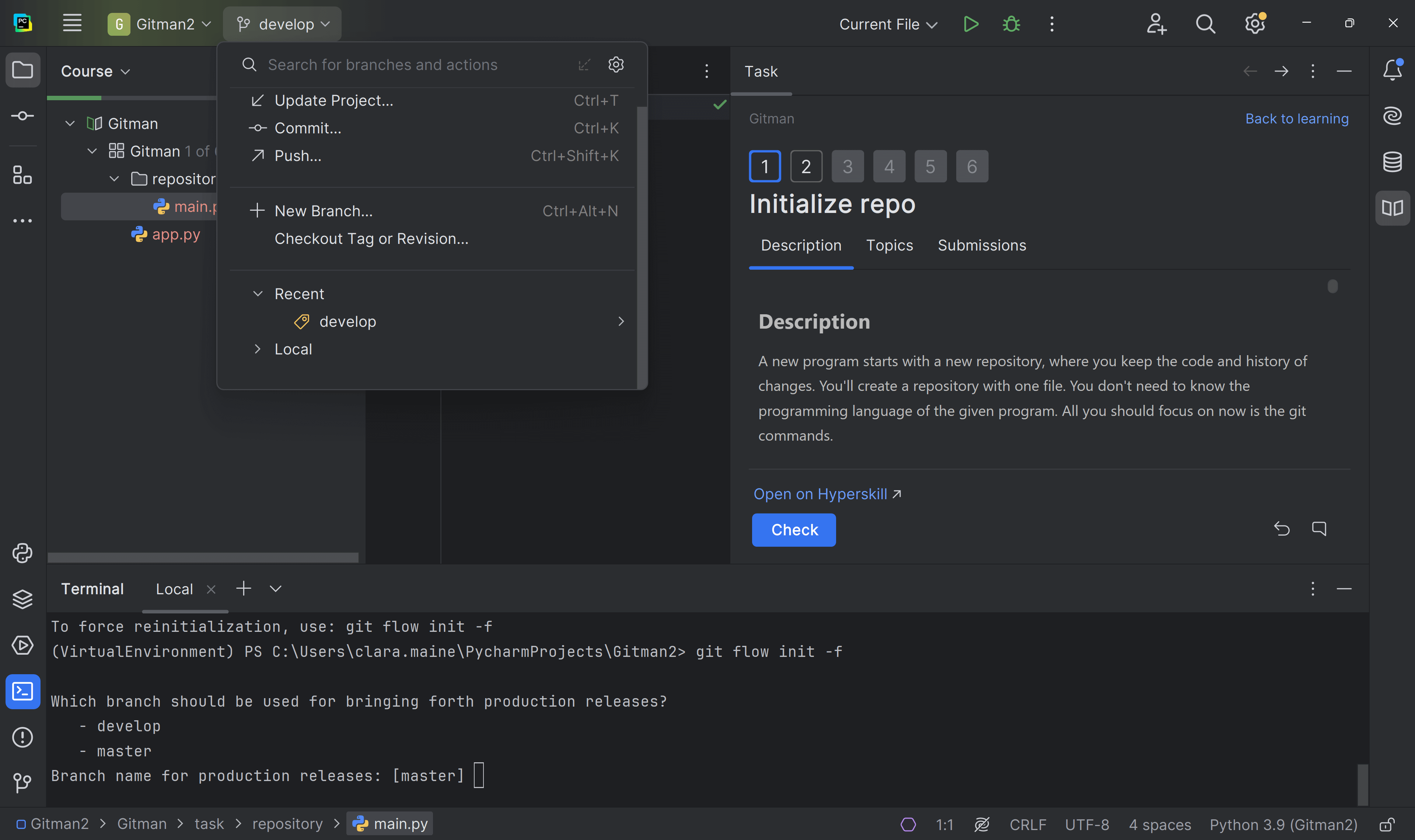
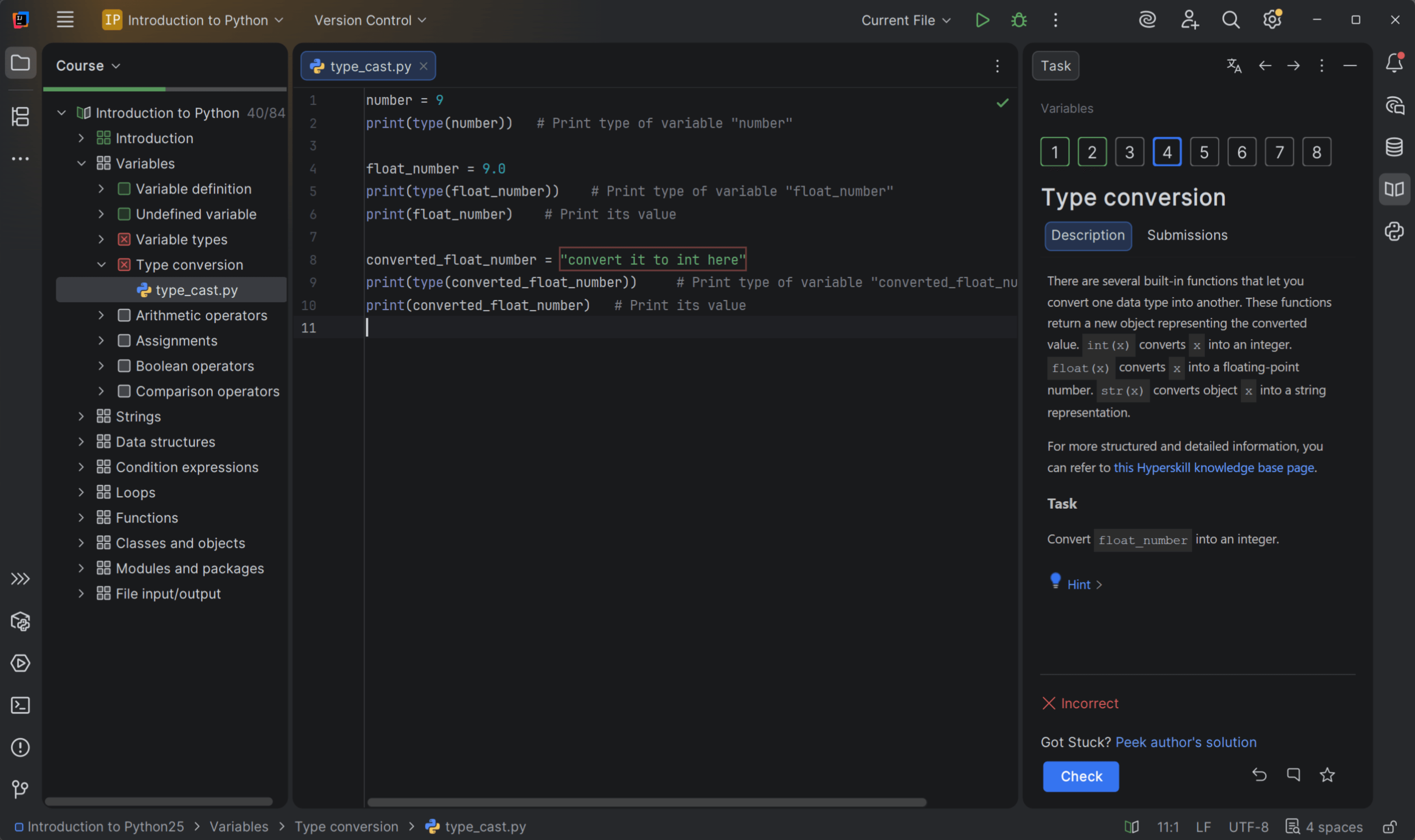
使用JetBrain课程为载体,边学边练,目标明确。
精心设计的课程页面,逻辑清晰,布局美观。
不只是学Python,更是在学编程和开源。
我始终相信,编程不是一件高深的事情。
External author course
This course was created and is maintained by an independent author. JetBrains Academy only verifies that it works correctly and is safe to use. For any questions about the content, please contact the course author directly.
Content
- 运行环境的理解
- Python的安装
- Python多版本管理
- 虚拟环境管理
- Python的包管理
- IDE开发工具的介绍
- 第一个Python程序
- 交互式解释器
- 注释及文档
- 课程结语
- 什么是变量
- 数据类型
- 变量的运算
- 课程结语
- 条件语句
- 循环
- 课程结语

What do you need to start?
Install the free JetBrains Toolbox App
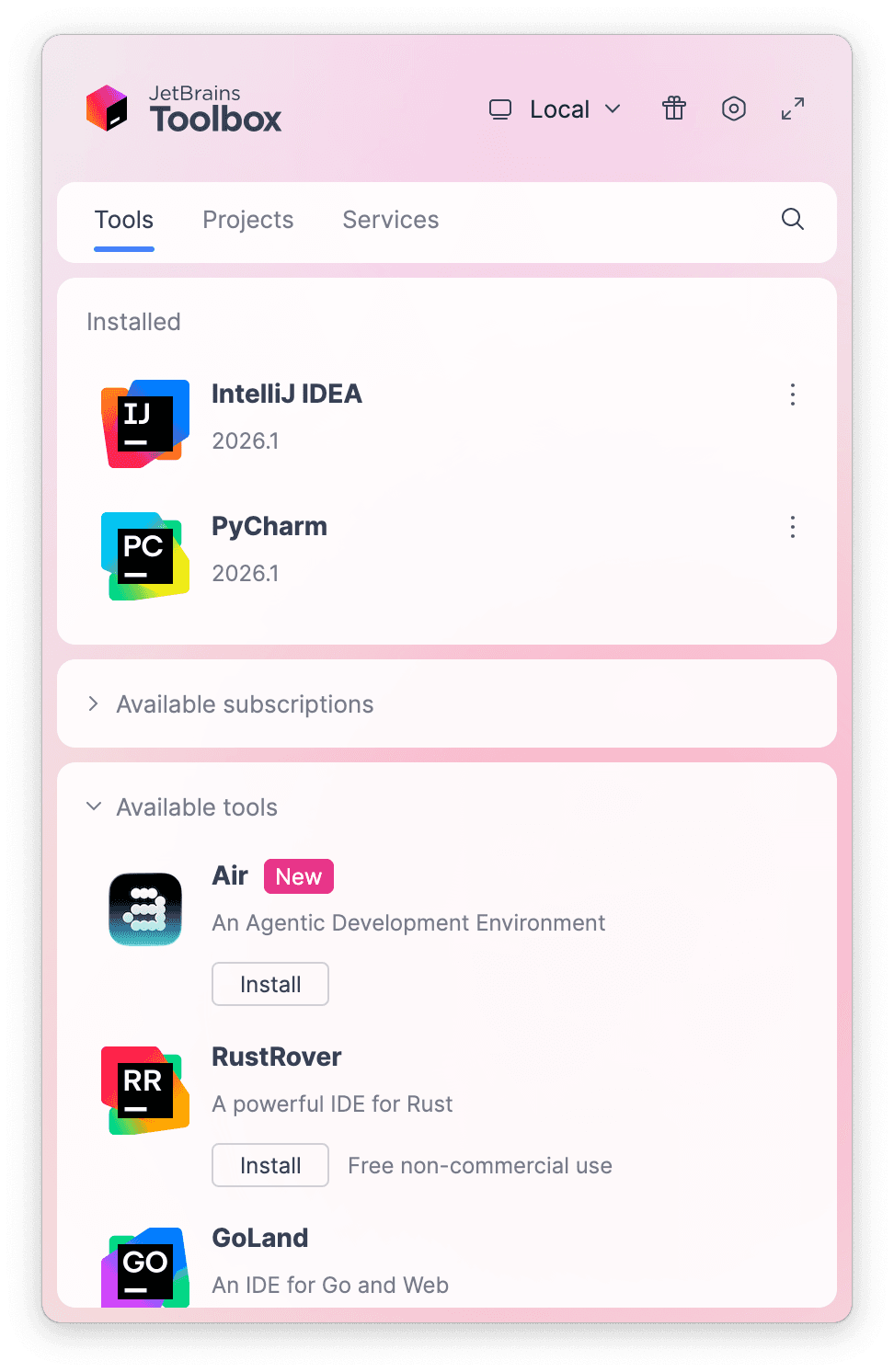
The JetBrains Toolbox App 2.7+ makes setting up your course effortless. Already have a compatible IDE? It will launch it. If not, the app will install the right IDE for your course.
Learn more about our licenses here.
Confirm the course launch
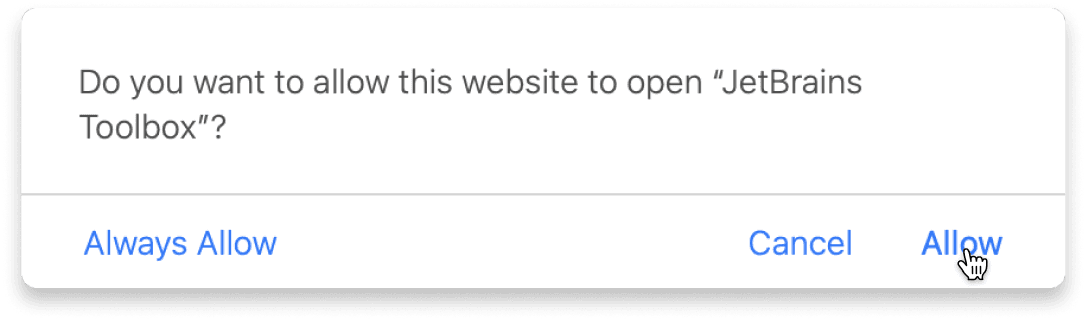
Click Take course and then Allow to open the Toolbox App.
Select Always Allow to skip this confirmation in the future.
To return to the course later, find it in your IDE's recent projects.
Need more help? Check out our guide.
The JetBrains Toolbox App 2.7+ makes setting up your course effortless. Already have a compatible IDE? It will launch it. If not, the app will install the right IDE for your course.
Learn more about our licenses here.
Click Take course and then Allow to open the Toolbox App.
Select Always Allow to skip this confirmation in the future.
To return to the course later, find it in your IDE's recent projects.
Need more help? Check out our guide.
FAQ and troubleshooting
Yes, you will need the JetBrains Toolbox App and a JetBrains IDE.
Just click this link to install the JetBrains Toolbox App. We've taken care of all the necessary settings, and the app will handle the rest of the setup for you.
The JetBrains Toolbox App checks which IDE is compatible with your course and whether it is installed on your computer. If you have the necessary IDE installed, the app will open it. If not, JetBrains Toolbox will initiate the installation, prioritizing free community editions.
Yes, the JetBrains Toolbox App is essential, even if you already have a JetBrains IDE. It automatically prepares your IDE for studying by installing the required plugins and updating the IDE if necessary.
Please make sure you have the latest version of the JetBrains Toolbox App. To update, open the app and click Update Toolbox App, or download the latest version here.
If you’re using a Chrome-based browser, please also allow Find devices on local networks in the popup that appears on the course page. When this permission is granted, the page will detect when the Toolbox App opens on your system and you’ll be able to open the course properly.
Yes! It's 100% free and works with both the free and paid versions of JetBrains IDEs.
If you're a student, apply for the Student Pack to get full access to JetBrains IDEs for the duration of your studies. If not, check if you qualify for a free non-commercial license.