
About
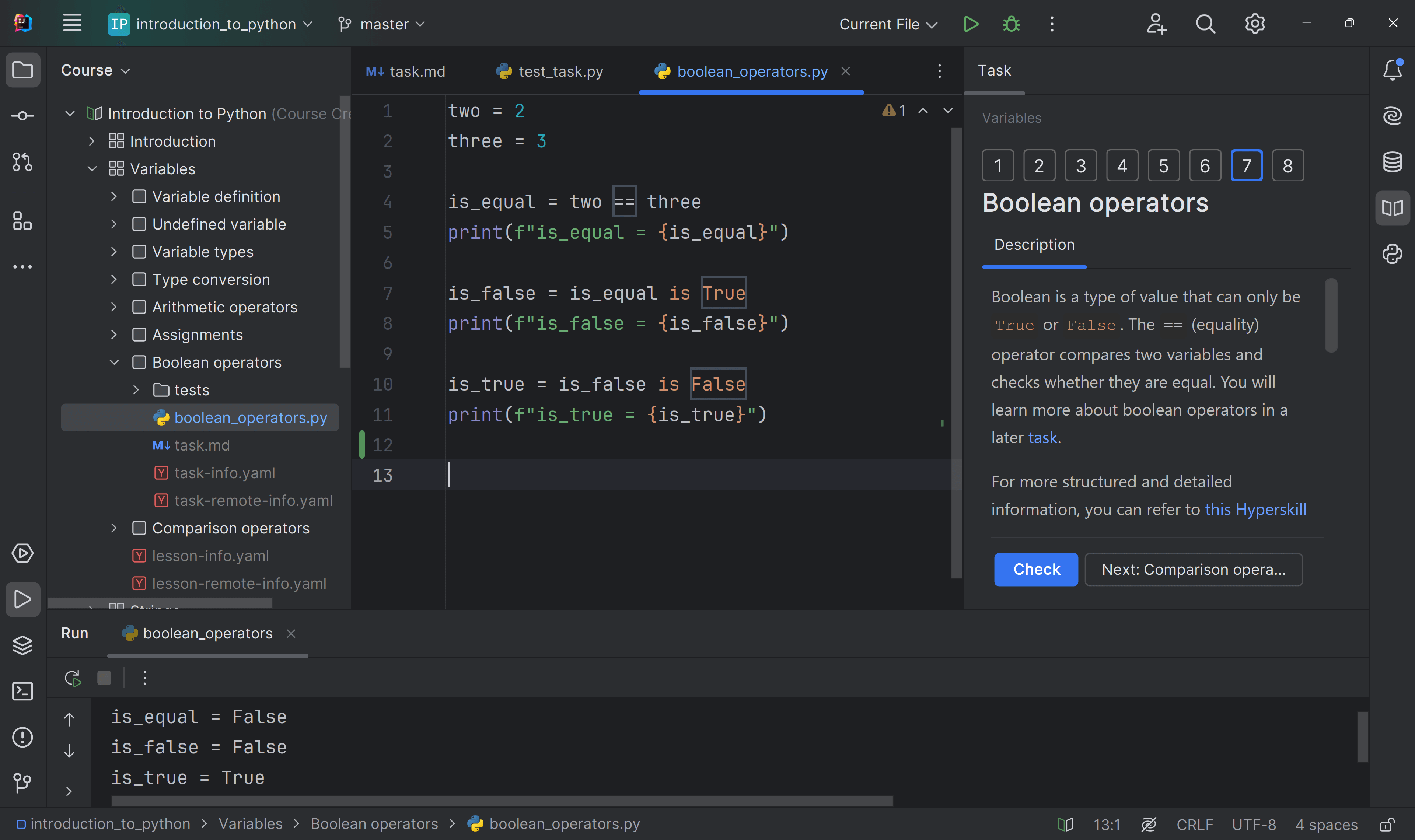
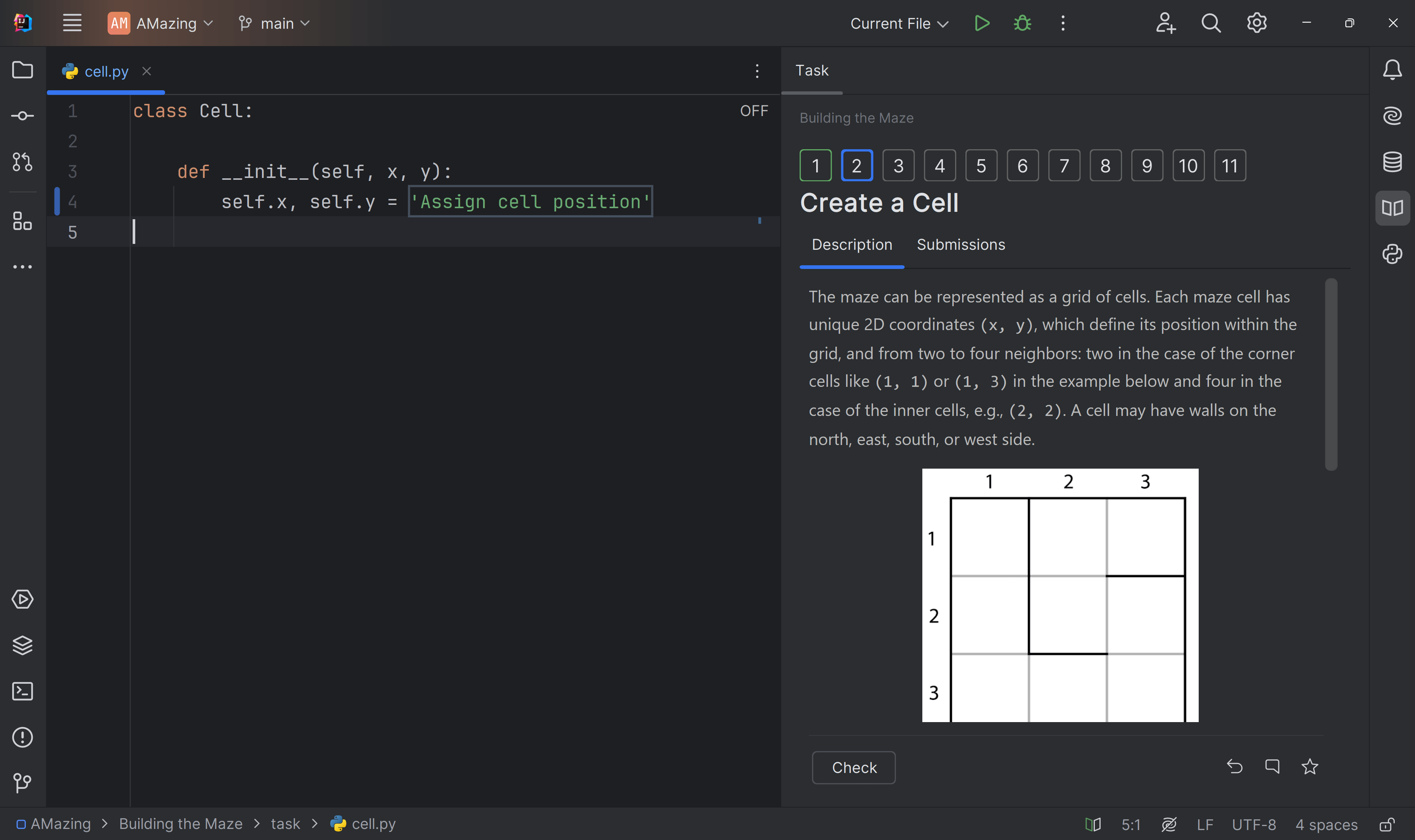
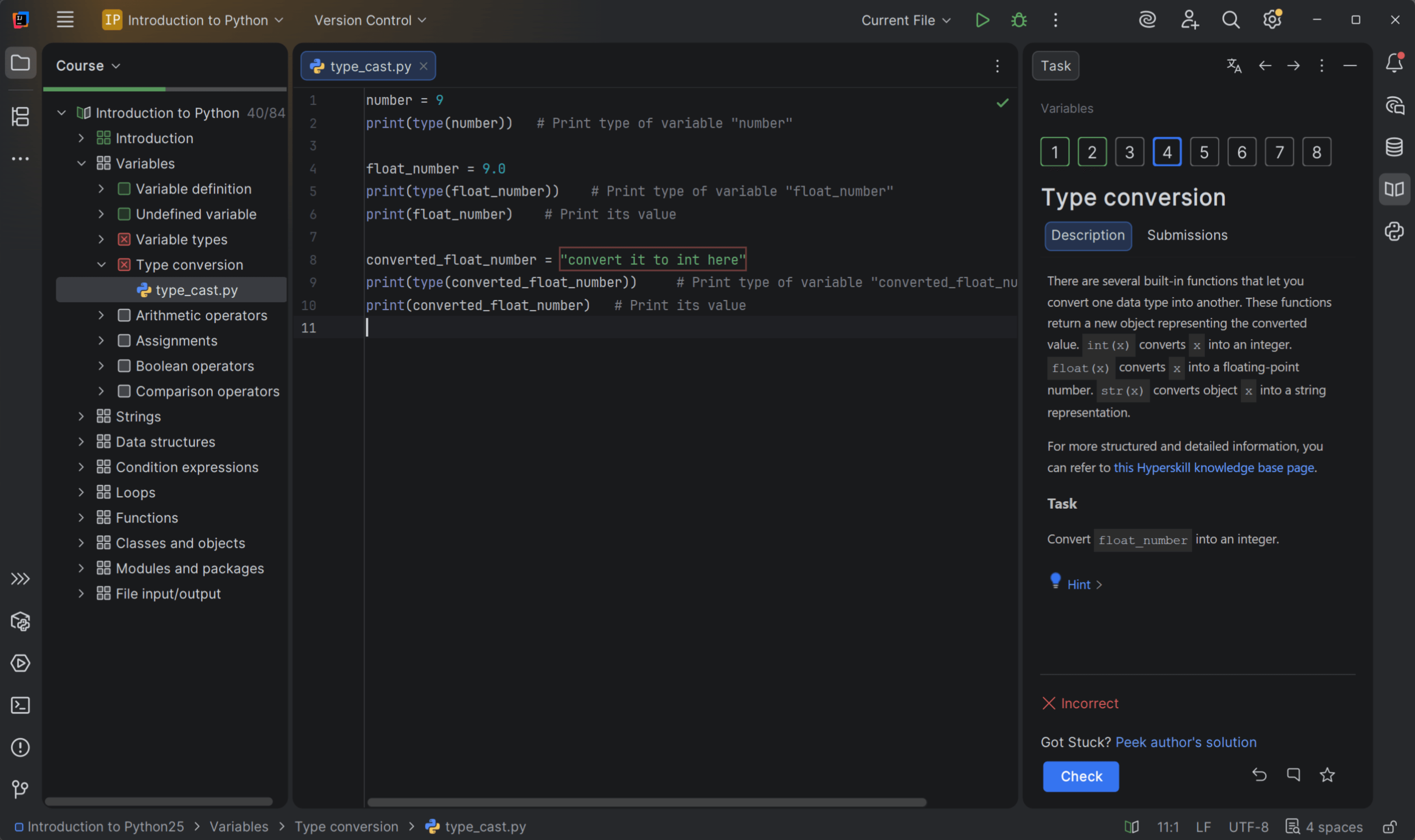
Ready to transition from basic web design to professional frontend engineering? This intensive, project-based course bridges the gap between introductory coding and industry-standard development. Moving
away from passive video-watching, this curriculum is built around a 60/40 practical-to-theory ratio. You won't just learn concepts; you will write, refactor, and debug code directly inside a
professional IDE (JetBrains WebStorm).
Throughout this course, you will build a portfolio of interactive, scalable, and accessible web applications. You'll master the art of translating UI/UX designs into pixel-perfect interfaces using
advanced CSS architectures, and breathe life into them using modern ES6+ JavaScript and Web APIs.
External author course
This course was created and is maintained by an independent author. JetBrains Academy only verifies that it works correctly and is safe to use. For any questions about the content, please contact the course author directly.
Content
- Theory: HTML5 Semantics
- Quiz: Why Semantic HTML?
- Task: Semantic HTML Refactor
- Theory: ARIA & Keyboard Navigation
- Quiz: Interactive Divs
- Task: Accessible Dropdown
- Theory: Responsive Images
- Capstone: Advanced HTML
- Task: Mobile Fallbacks
- Quiz: The Picture Tag
- Theory: Information Architecture
- Quiz: Information Architecture
- Information Architecture to DOM
- Capstone: Design to Code
- Theory: Flexbox (1D Layout)
- Quiz: Grid vs Flexbox
- Centering with Flexbox
- Theory: CSS Grid (2D Layout)
- The Holy Grail Layout (Grid)
- Theory: Responsive Media Queries
- Mobile-First CSS
- Capstone: Responsive Flexbox Gallery
- Capstone: Grid Photo Mosaic
- Theory: Variables & Nesting
- Quiz: CSS Preprocessors
- Variables & Nesting
- Capstone: Advanced Sass/SCSS
- Theory: Bootstrap Grid
- Quiz: The Bootstrap Grid
- Bootstrap 5 Grid
- Theory: Tailwind CSS (Utility-First)
- Quiz: Component vs Utility
- Task: The Tailwind Card
- Capstone: Implement Design with Bootstrap
- Capstone: Tailwind Profile
- Theory: The Frontend Swiss Army Knife
- Quiz: The Network Tab
- The Specificity Bug
- Capstone: Console Detective
- Theory: ES6+ Fundamentals
- Quiz: Variable Declaration
- Modernizing Legacy JS
- Capstone: Data Unpacking
- Theory: Arrow Functions
- Arrow Functions
- Theory: Array Methods
- Quiz: Higher-Order Methods
- Array Methods (Map, Filter, Reduce)
- Capstone: Advanced JavaScript Logic
- Theory: Legacy jQuery
- Legacy jQuery
- Theory: Modern Native APIs
- Quiz: Querying the DOM
- Modern Native APIs
- Capstone: Dynamic DOM Application
- Theory: Fetch API & Async/Await
- Quiz: The Await Keyword
- Fetch API & Async/Await
- Theory: POST Requests
- Quiz: Content-Type
- Task: Submit Data
- Capstone: Form Submission
- Theory: Local Storage API
- Quiz: Web Storage Limits
- Local Storage API
- Theory: Browser Cookies
- Quiz: Why Cookies?
- Parsing the Cookie Monster
- Theory: Session Storage
- Quiz: Ephemeral Data
- Capstone: Build a Web App (Async + Storage)
- Theory: Bundlers & Vite
- Quiz: The ES Module System
- Initializing Vite
- Capstone: The Module System

What do you need to start?
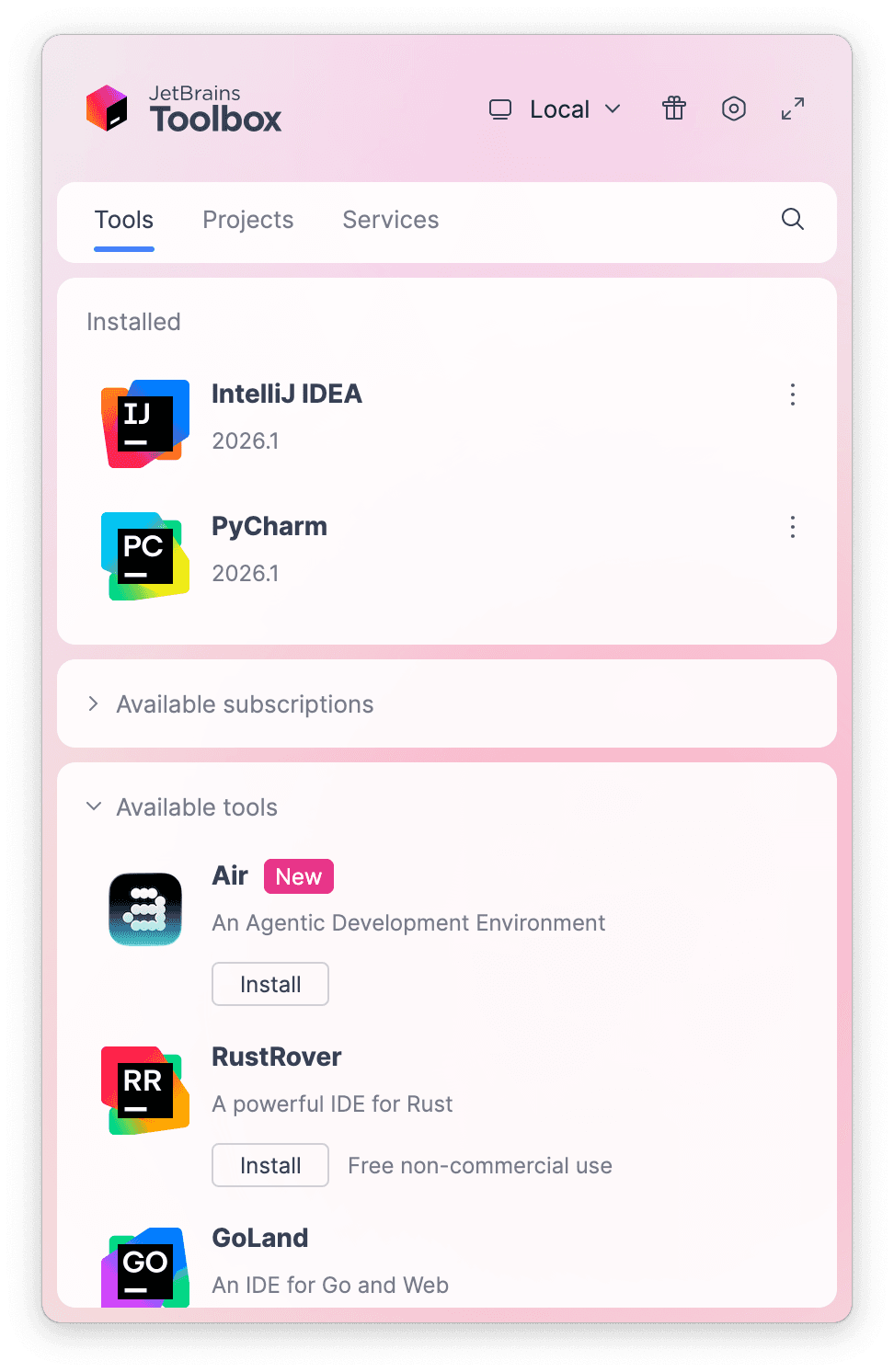
Install the free JetBrains Toolbox App
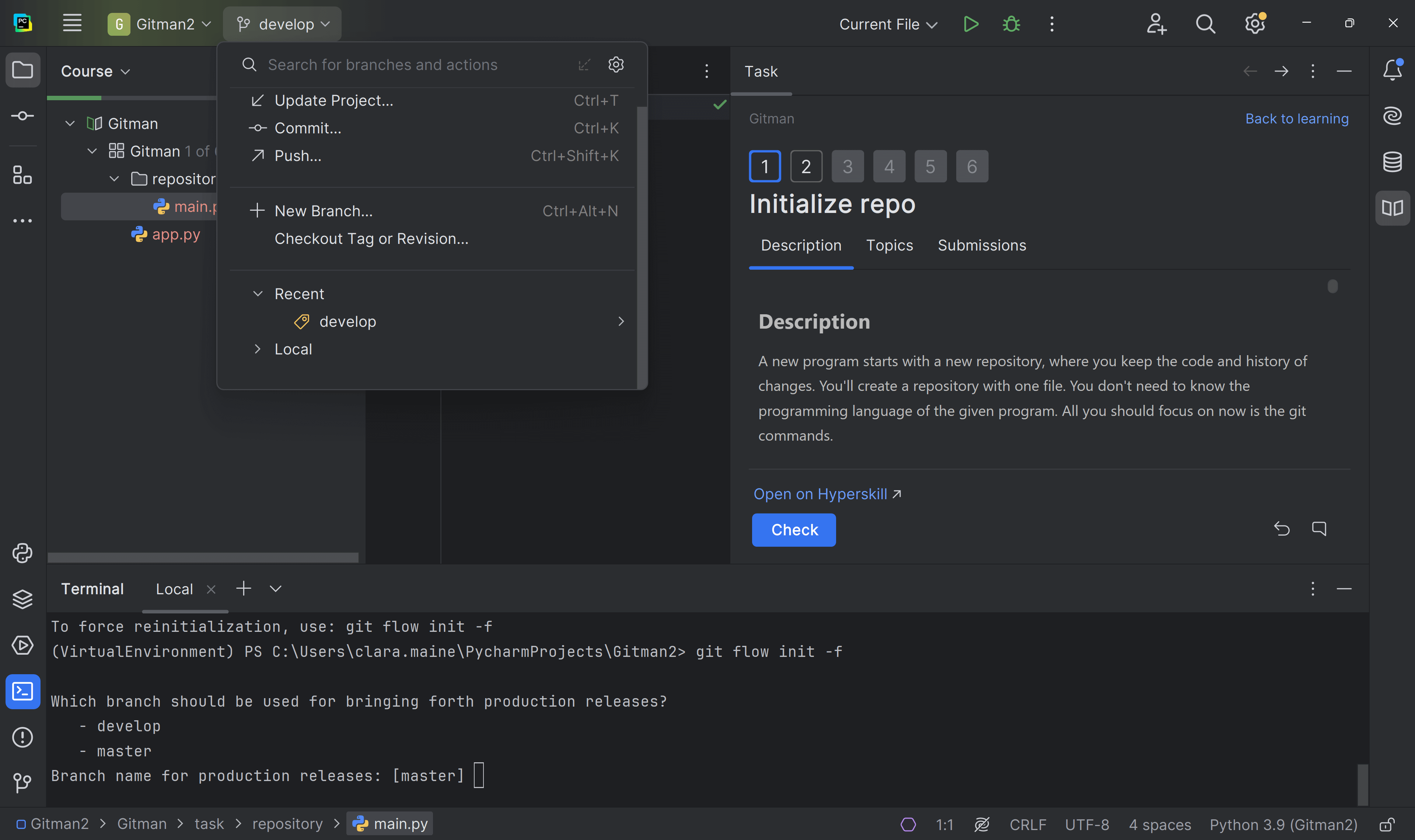
The JetBrains Toolbox App 2.7+ makes setting up your course effortless. Already have a compatible IDE? It will launch it. If not, the app will install the right IDE for your course.
Learn more about our licenses here.
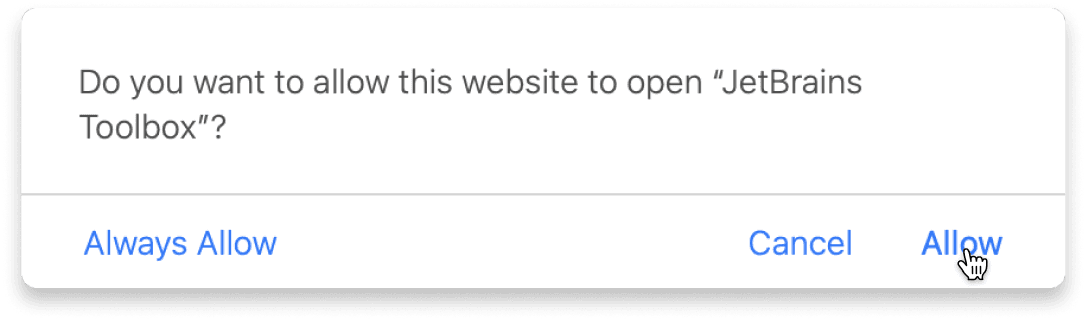
Confirm the course launch
Click Take course and then Allow to open the Toolbox App.
Select Always Allow to skip this confirmation in the future.
To return to the course later, find it in your IDE's recent projects.
Need more help? Check out our guide.
The JetBrains Toolbox App 2.7+ makes setting up your course effortless. Already have a compatible IDE? It will launch it. If not, the app will install the right IDE for your course.
Learn more about our licenses here.
Click Take course and then Allow to open the Toolbox App.
Select Always Allow to skip this confirmation in the future.
To return to the course later, find it in your IDE's recent projects.
Need more help? Check out our guide.
FAQ and troubleshooting
Yes, you will need the JetBrains Toolbox App and a JetBrains IDE.
Just click this link to install the JetBrains Toolbox App. We've taken care of all the necessary settings, and the app will handle the rest of the setup for you.
The JetBrains Toolbox App checks which IDE is compatible with your course and whether it is installed on your computer. If you have the necessary IDE installed, the app will open it. If not, JetBrains Toolbox will initiate the installation, prioritizing free community editions.
Yes, the JetBrains Toolbox App is essential, even if you already have a JetBrains IDE. It automatically prepares your IDE for studying by installing the required plugins and updating the IDE if necessary.
Please make sure you have the latest version of the JetBrains Toolbox App. To update, open the app and click Update Toolbox App, or download the latest version here.
If you’re using a Chrome-based browser, please also allow Find devices on local networks in the popup that appears on the course page. When this permission is granted, the page will detect when the Toolbox App opens on your system and you’ll be able to open the course properly.
Yes! It's 100% free and works with both the free and paid versions of JetBrains IDEs.
If you're a student, apply for the Student Pack to get full access to JetBrains IDEs for the duration of your studies. If not, check if you qualify for a free non-commercial license.