
About
Content
- Welcome
- Navigating Around
- Course View
- Editor
- Task Description
- What is in this lesson
- T1: Search in a tiny dataset
- Ex: Search in a tiny dataset
- T2: Search in a small dataset using spreadsheets or command-line tools
- Ex: Search in a small dataset using spreadsheets or command-line tools
- T3: Complex search tasks and big datasets
- Ex: Writing search queries in Kotlin
- T4: Meet SQL language
- What is in this lesson
- T1: SELECT clause and arithmetic expressions
- Ex: Arithmetic expressions
- T2: String expressions
- Ex: String expressions
- T3: Boolean expressions
- Ex: Boolean expressions
- T4: Three-valued logic
- Ex: More expressions
- What is in this lesson
- IDE: Connect to the course database
- IDE: Explore tables
- IDE: Run SQL from the editor
- T1: Select everything
- T2: Simple data filtering
- Ex: Simple data filtering
- T3: Subqueries in WHERE clause
- Ex: Subqueries in WHERE
- What is in this lesson
- T1: Inner Join operator
- Ex: Inner join
- T2: Outer joins
- Ex: Outer joins
- T3: Join chains and filters
- T4: Make a join not using a join
- Ex: Make a join not using a join
- What is in this lesson
- T1: Aggregate functions and scalar subqueries
- Ex: Aggregate functions and scalar subqueries
- T2: Aggregate functions and rows grouping
- Ex: Aggregate functions and rows grouping
- T3: Aggregate functions, groups and filters
- Ex: Aggregate functions, groups and filters
- What is in this lesson
- T1: Subqueries in FROM clause
- Ex: Subqueries in FROM
- T2: Common Table Expressions
- Ex: Common Table Expressions
- That's a wrap!
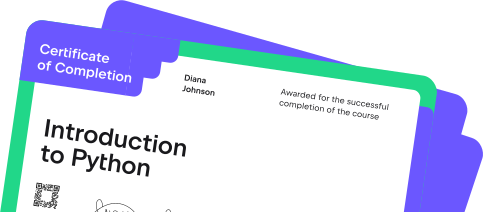
Contains certificate
Add it to your resume or LinkedIn profile so recruiters can easily see your achievement.
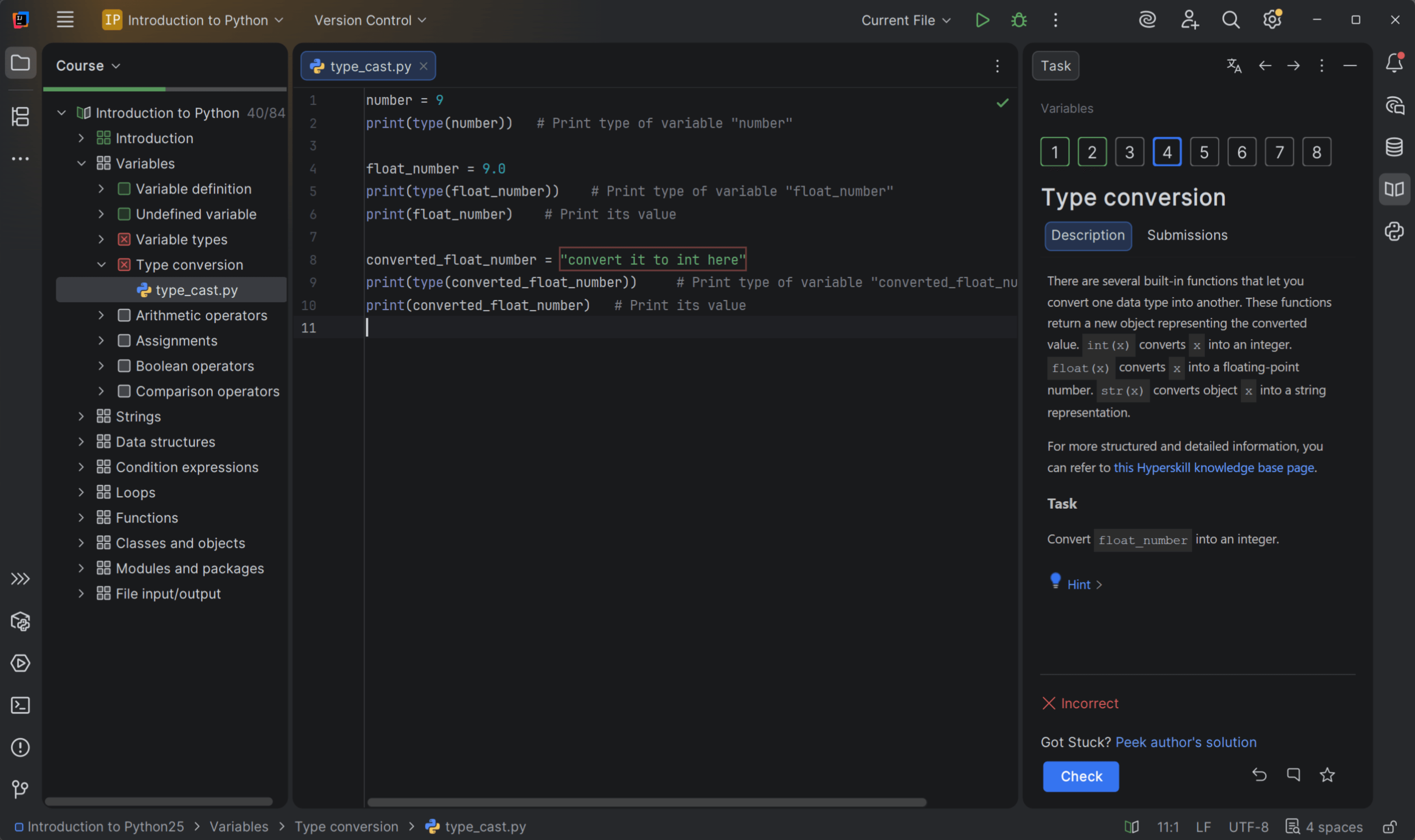

What do you need to start?
Install the free JetBrains Toolbox App
The JetBrains Toolbox App 2.7+ makes setting up your course effortless. Already have a compatible IDE? It will launch it. If not, the app will install the right IDE for your course.
Learn more about our licenses here.
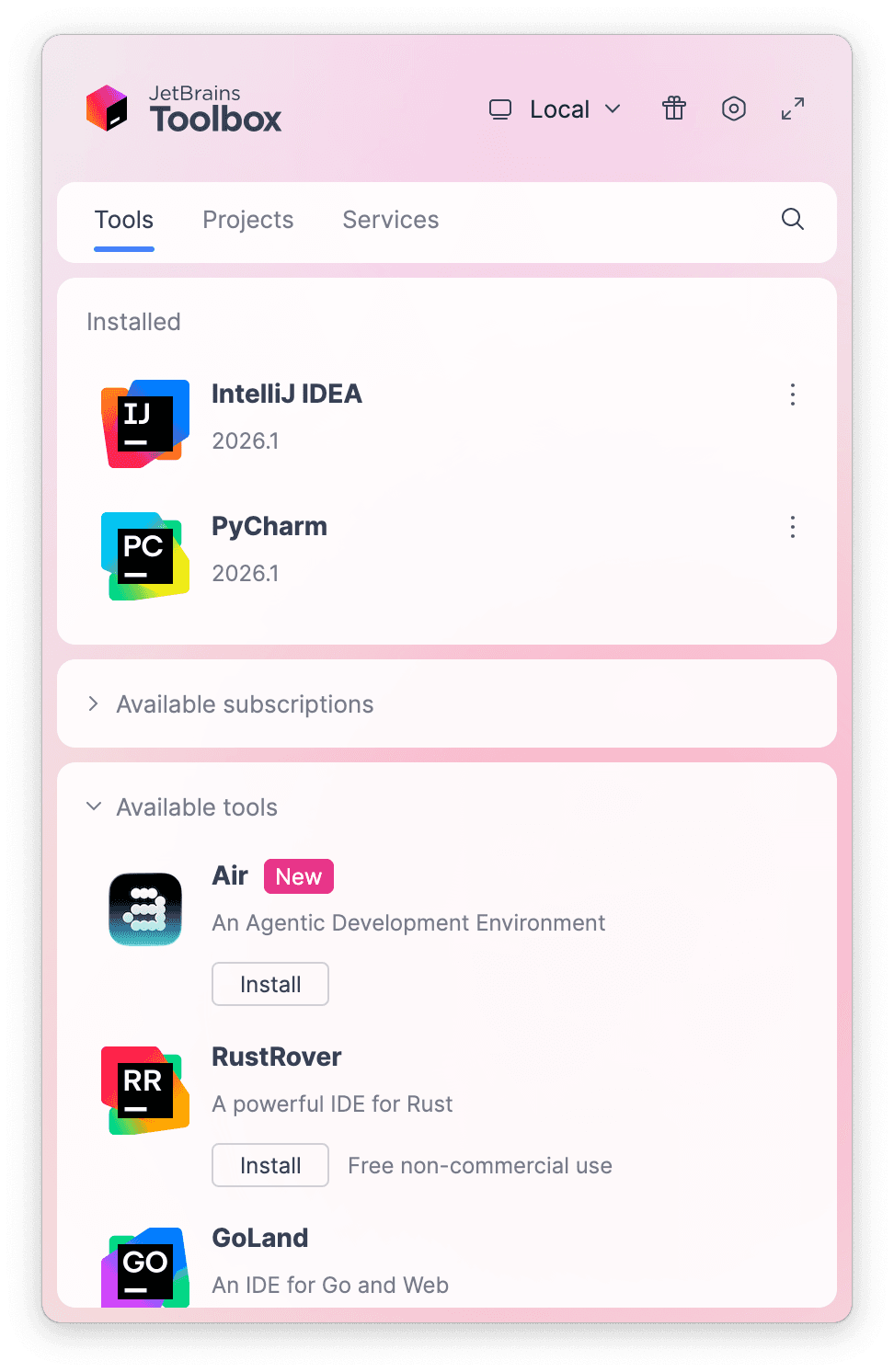
Confirm the course launch
Click Take course and then Allow to open the Toolbox App.
Select Always Allow to skip this confirmation in the future.
To return to the course later, find it in your IDE's recent projects.
Need more help? Check out our guide.
The JetBrains Toolbox App 2.7+ makes setting up your course effortless. Already have a compatible IDE? It will launch it. If not, the app will install the right IDE for your course.
Learn more about our licenses here.
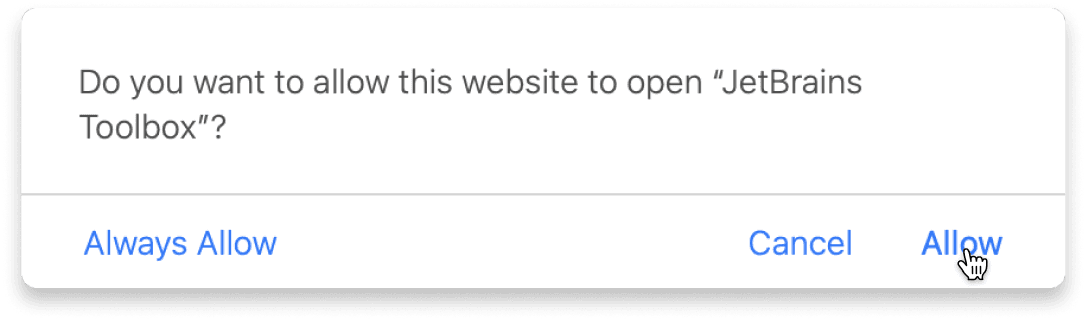
Click Take course and then Allow to open the Toolbox App.
Select Always Allow to skip this confirmation in the future.
To return to the course later, find it in your IDE's recent projects.
Need more help? Check out our guide.
FAQ and troubleshooting
Yes, you will need the JetBrains Toolbox App and a JetBrains IDE.
Just click this link to install the JetBrains Toolbox App. We've taken care of all the necessary settings, and the app will handle the rest of the setup for you.
The JetBrains Toolbox App checks which IDE is compatible with your course and whether it is installed on your computer. If you have the necessary IDE installed, the app will open it. If not, JetBrains Toolbox will initiate the installation, prioritizing free community editions.
Yes, the JetBrains Toolbox App is essential, even if you already have a JetBrains IDE. It automatically prepares your IDE for studying by installing the required plugins and updating the IDE if necessary.
Please make sure you have the latest version of the JetBrains Toolbox App. To update, open the app and click Update Toolbox App, or download the latest version here.
If you’re using a Chrome-based browser, please also allow Find devices on local networks in the popup that appears on the course page. When this permission is granted, the page will detect when the Toolbox App opens on your system and you’ll be able to open the course properly.
Yes! It's 100% free and works with both the free and paid versions of JetBrains IDEs.
If you're a student, apply for the Student Pack to get full access to JetBrains IDEs for the duration of your studies. If not, check if you qualify for a free non-commercial license.