
About
A hands-on Java course in Polish for the Object-Oriented Programming class, starting with console input and output. Every task combines a short theory section, code to complete, and automated tests.
Kurs do przedmiotu Programowanie obiektowe – Java (rok akademicki 2026/27). Pierwsza lekcja dotyczy operacji wejścia/wyjścia w konsoli: wypisywania tekstu na standardowe wyjście i strumień błędów (System.out, System.err), formatowania wyników (printf, String.format, Locale), wczytywania danych (Scanner, czytanie do końca danych) oraz nowości Javy 25 – klasy IO i zwartych plików źródłowych. Kolejne lekcje utrwalają podstawy języka: typy danych i operatory, instrukcje sterujące, metody statyczne, tablice, napisy oraz listę ArrayList.
Wymagania wstępne: znajomość podstaw składni Javy (zmienne, typy proste, instrukcje warunkowe, pętle, metody), IntelliJ IDEA z wtyczką JetBrains Academy oraz JDK 25 lub nowszy.
External author course
This course was created and is maintained by an independent author. JetBrains Academy only verifies that it works correctly and is safe to use. For any questions about the content, please contact the course author directly.
Content
- Wypisywanie tekstu: println i print
- Sekwencje specjalne
- Strumień błędów: System.err
- Formatowanie: printf i String.format
- Formatowanie: szerokość pól i wyrównanie
- Formatowanie w praktyce: paragon
- Wczytywanie danych: Scanner
- Wczytywanie do końca danych
- Java 25: klasa IO i zwarte pliki źródłowe
- Java 25: wczytywanie danych przez IO.readln()
- Java 25: czytanie do końca danych z IO.readln()
- Typy proste i literały
- Słowo kluczowe var i stałe final
- Operatory arytmetyczne i rzutowanie
- Operatory relacyjne i logiczne
- Klasa Math
- Instrukcja if i zasięg zmiennych
- Instrukcja switch
- Pętle for, while i do-while
- break, continue i pętle zagnieżdżone
- Podsumowanie: ciąg Collatza
- Definiowanie metod statycznych
- Przeciążanie metod
- Rekurencja
- Liczby pseudolosowe
- Tablice jednowymiarowe
- Pętla for-each i wyszukiwanie
- Tablice to referencje
- Klasa Arrays
- Metody o zmiennej liczbie argumentów
- Tablice dwuwymiarowe
- Porównywanie napisów, niezmienność i null
- Metody klasy String
- Znaki i klasa Character
- StringBuilder
- Podsumowanie: analiza tekstu
- ArrayList – podstawy
- Klasy opakowujące i autoboxing
- Wyszukiwanie i modyfikowanie list
- Podsumowanie: statystyki liczb

What do you need to start?
Install the free JetBrains Toolbox App
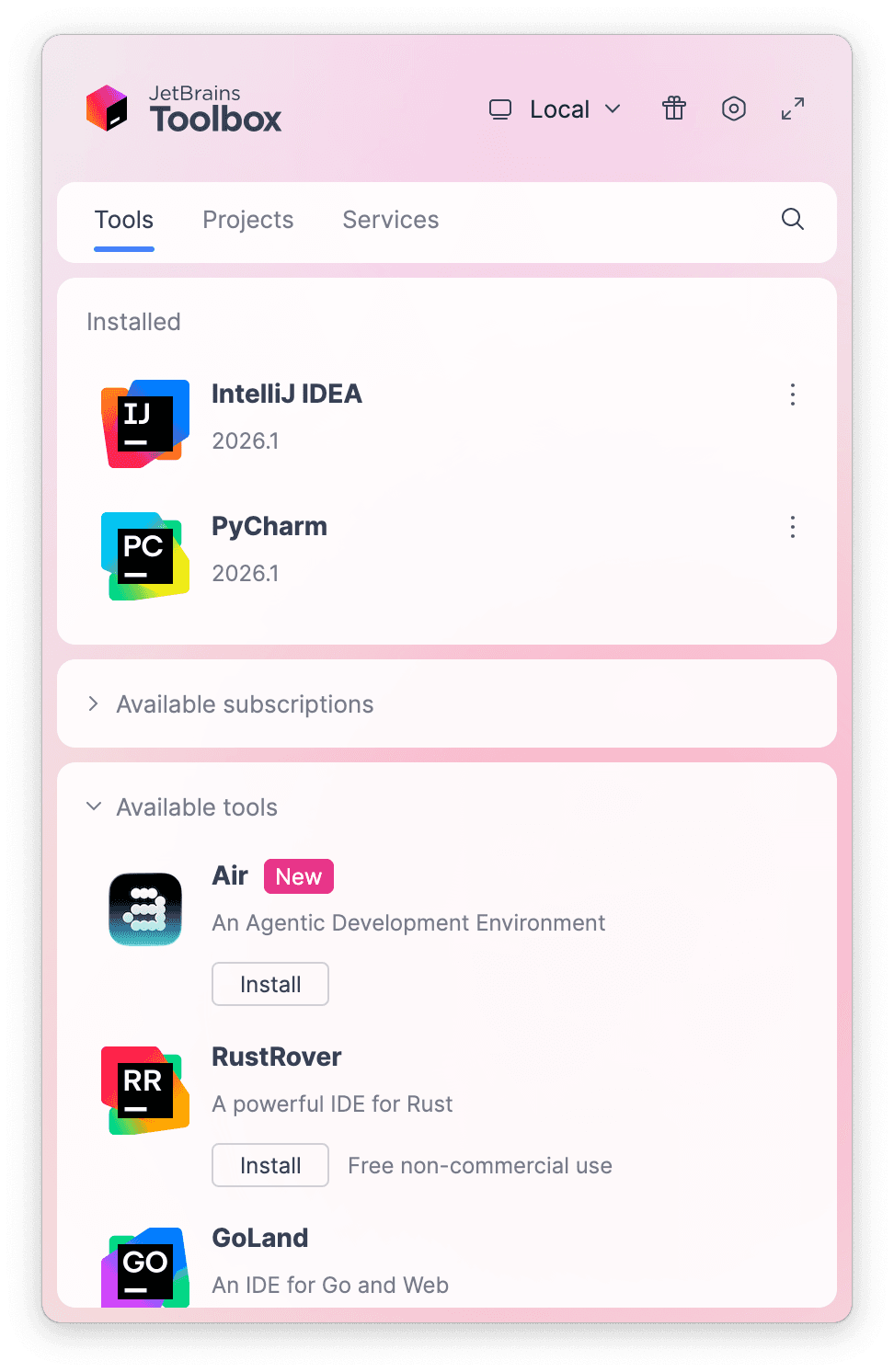
The JetBrains Toolbox App 2.7+ makes setting up your course effortless. Already have a compatible IDE? It will launch it. If not, the app will install the right IDE for your course.
Learn more about our licenses here.
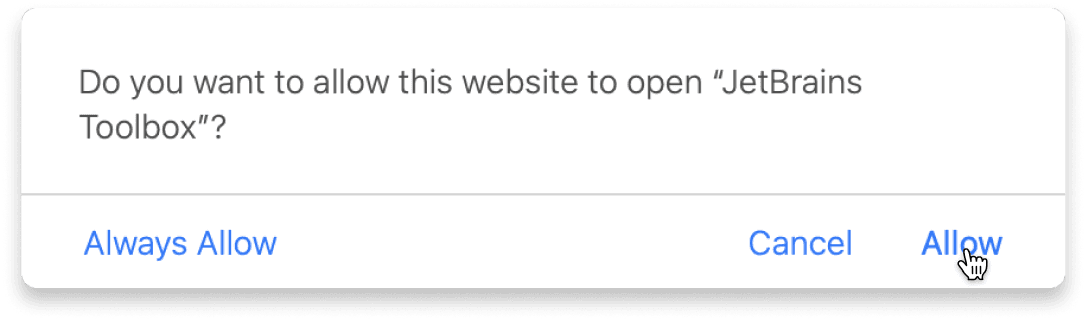
Confirm the course launch
Click Take course and then Allow to open the Toolbox App.
Select Always Allow to skip this confirmation in the future.
To return to the course later, find it in your IDE's recent projects.
Need more help? Check out our guide.
The JetBrains Toolbox App 2.7+ makes setting up your course effortless. Already have a compatible IDE? It will launch it. If not, the app will install the right IDE for your course.
Learn more about our licenses here.
Click Take course and then Allow to open the Toolbox App.
Select Always Allow to skip this confirmation in the future.
To return to the course later, find it in your IDE's recent projects.
Need more help? Check out our guide.
FAQ and troubleshooting
Yes, you will need the JetBrains Toolbox App and a JetBrains IDE.
Just click this link to install the JetBrains Toolbox App. We've taken care of all the necessary settings, and the app will handle the rest of the setup for you.
The JetBrains Toolbox App checks which IDE is compatible with your course and whether it is installed on your computer. If you have the necessary IDE installed, the app will open it. If not, JetBrains Toolbox will initiate the installation, prioritizing free community editions.
Yes, the JetBrains Toolbox App is essential, even if you already have a JetBrains IDE. It automatically prepares your IDE for studying by installing the required plugins and updating the IDE if necessary.
Please make sure you have the latest version of the JetBrains Toolbox App. To update, open the app and click Update Toolbox App, or download the latest version here.
If you’re using a Chrome-based browser, please also allow Find devices on local networks in the popup that appears on the course page. When this permission is granted, the page will detect when the Toolbox App opens on your system and you’ll be able to open the course properly.
Yes! It's 100% free and works with both the free and paid versions of JetBrains IDEs.
If you're a student, apply for the Student Pack to get full access to JetBrains IDEs for the duration of your studies. If not, check if you qualify for a free non-commercial license.