
Machine Learning desde Cero
About
Construye tú mismo los algoritmos centrales de machine learning, usando únicamente NumPy.
Empieza con los fundamentos de la IA y el ML (tipos de aprendizaje, sobreajuste, métricas,
validación) y avanza por la regresión lineal, múltiple y polinómica, la regresión logística,
KNN, árboles de decisión, bosques aleatorios, gradient boosting, Naive Bayes, SVM, clustering
(K-Means, jerárquico, DBSCAN), PCA y redes neuronales. Cada lección presenta un algoritmo
mediante teoría y luego te hace implementarlo pieza por pieza: sin scikit-learn, sin cajas
negras.
External author course
This course was created and is maintained by an independent author. JetBrains Academy only verifies that it works correctly and is safe to use. For any questions about the content, please contact the course author directly.
Content
- ¿Qué es la IA, el ML y el Deep Learning?
- Quiz - ¿Cómo se relacionan IA, ML y DL?
- Tipos de aprendizaje
- Quiz - Elige el tipo de problema
- Pérdida y optimización
- Implementar gradient_descent()
- Generalización, sobreajuste y sesgo-varianza
- Quiz - Diagnostica el modelo
- Preparar los datos: partición, escalado y validación cruzada
- Implementar train_test_split()
- Implementar standardize()
- Implementar k_fold_indices()
- Evaluar un modelo: métricas
- Implementar mean_squared_error() y mean_absolute_error()
- Implementar accuracy() y confusion_counts()
- Implementar precision_recall_f1()
- Quiz - ¿Qué métrica delata al modelo?
- ¿Qué es la regresión lineal?
- Implementar predict()
- Implementar compute_cost()
- Implementar compute_gradients()
- Implementar fit()
- Quiz - ¿Qué hace el descenso de gradiente?
- Regresión lineal múltiple y la ecuación normal
- Implementar add_intercept() y predict()
- Implementar fit() con la ecuación normal
- Implementar score() (R²)
- Implementar adjusted_r2()
- Quiz - Ecuación normal vs. descenso de gradiente
- Implementar correlated_pairs()
- Quiz - Multicolinealidad
- Regresión polinómica y regularización Ridge
- Implementar polynomial_features()
- Implementar _fit_scaler() y _scale()
- Implementar predict()
- Implementar fit() con Ridge
- Implementar select_degree()
- Quiz - ¿Por qué no elegir el grado con el menor error de entrenamiento?
- Quiz - Efecto de alpha en Ridge
- ¿Qué es la regresión logística?
- Implementar la función sigmoide
- Implementar predict_proba()
- Implementar predict()
- Implementar compute_cost()
- Implementar compute_gradients()
- Implementar fit()
- Quiz - ¿Por qué recortar las probabilidades antes de log()?
- ¿Qué es K-Nearest Neighbors?
- Implementar _euclidean_distance()
- Implementar _predict_one()
- Implementar predict()
- Quiz - Costo de prediccion en KNN
- ¿Qué es un árbol de decisión?
- Implementar _gini()
- Implementar _split_dataset()
- Implementar _best_split()
- Implementar _build_tree() y _predict_one()
- Quiz - ¿Cuándo se convierte un nodo en hoja?
- Bosques Aleatorios (Random Forest)
- Implementar _bootstrap_sample()
- Implementar fit()
- Implementar predict()
- Quiz - ¿Por qué funciona el bosque?
- Implementar oob_score()
- Quiz - Error fuera de la bolsa
- Gradient Boosting
- Implementar _initial_prediction() y _residuals()
- Implementar fit()
- Implementar predict()
- Quiz - ¿Qué aprende cada árbol?
- Implementar staged_predict()
- Quiz - Tasa de aprendizaje y número de árboles
- Naive Bayes Gaussiano
- Implementar fit()
- Implementar _log_gaussian()
- Implementar joint_log_likelihood()
- Implementar predict() y predict_proba()
- Quiz - ¿Qué es lo 'ingenuo'?
- Quiz - ¿Por qué sumar logaritmos?
- ¿Qué es una Máquina de Vectores de Soporte?
- Implementar decision_function()
- Implementar predict()
- Implementar compute_cost()
- Implementar compute_gradients()
- Implementar fit()
- Quiz - ¿Qué puntos dan forma a la frontera?
- ¿Qué es el clustering K-Means?
- Implementar _assign_clusters()
- Implementar _update_centroids()
- Implementar fit()
- Quiz - ¿Entre qué alterna K-Means?
- ¿Qué es PCA?
- Implementar _center()
- Implementar fit()
- Implementar transform()
- Quiz - Signo del componente principal
- ¿Qué es el clustering jerárquico?
- Implementar _pairwise_distances()
- Implementar _cluster_distance()
- Implementar fit()
- Quiz - ¿Qué es la distancia single-linkage?
- ¿Qué es DBSCAN?
- Implementar _region_query()
- Implementar _expand_cluster()
- Implementar fit()
- Quiz - DBSCAN y el ruido
- Redes neuronales y retropropagación
- Implementar sigmoid() y binary_cross_entropy()
- Implementar _forward()
- Implementar predict_proba() y predict()
- Quiz - ¿Por qué una activación no lineal?
- Implementar _backward()
- Quiz - Comprobación de gradientes
- Implementar fit()

What do you need to start?
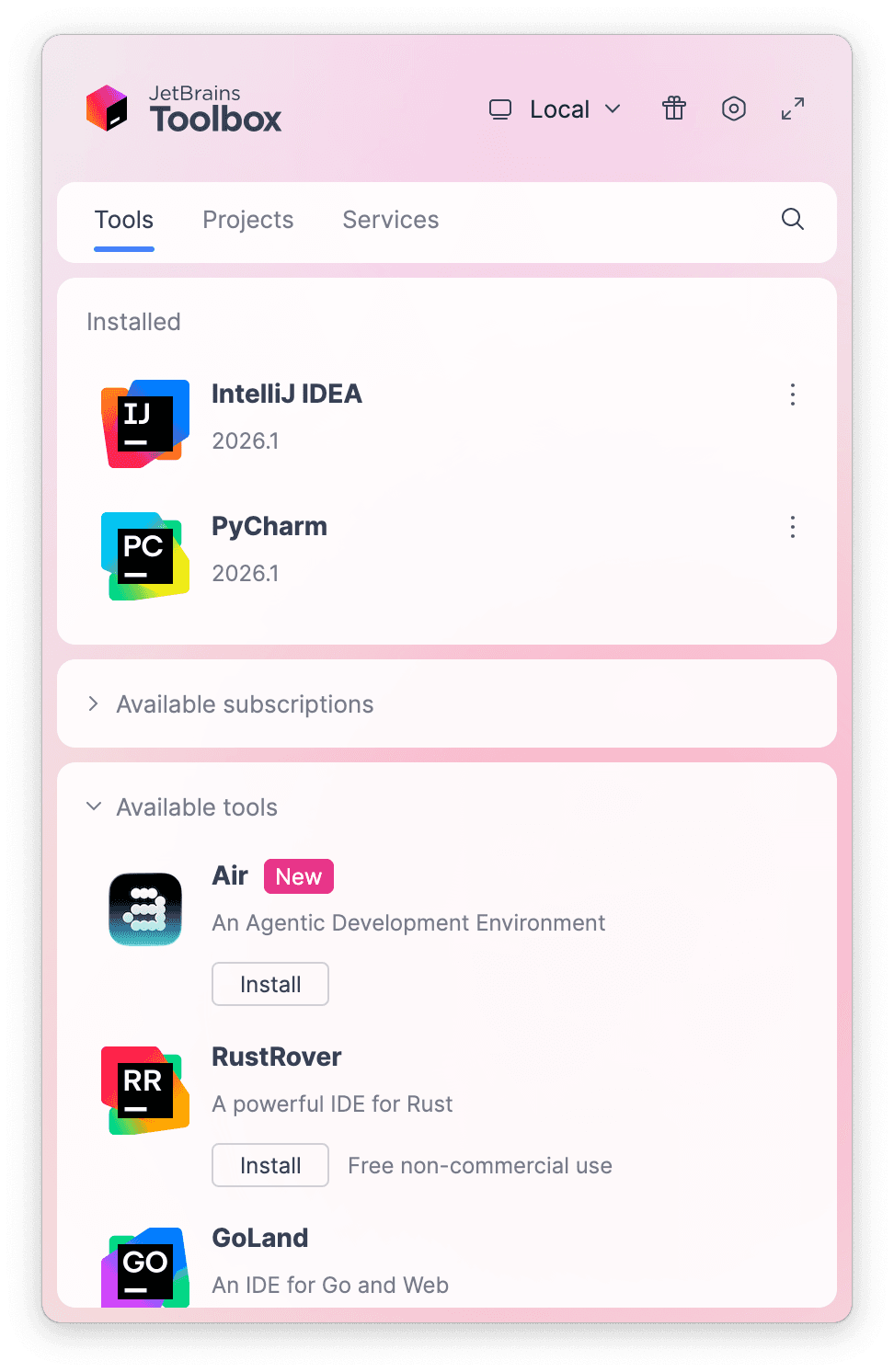
Install the free JetBrains Toolbox App
The JetBrains Toolbox App 2.7+ makes setting up your course effortless. Already have a compatible IDE? It will launch it. If not, the app will install the right IDE for your course.
Learn more about our licenses here.
Confirm the course launch
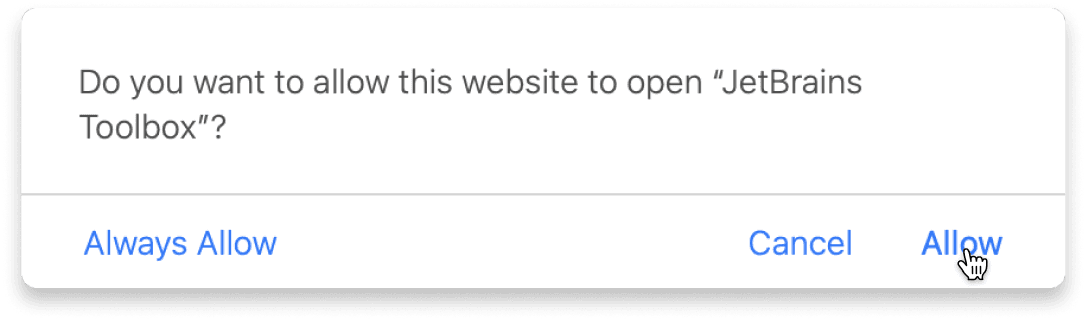
Click Take course and then Allow to open the Toolbox App.
Select Always Allow to skip this confirmation in the future.
To return to the course later, find it in your IDE's recent projects.
Need more help? Check out our guide.
The JetBrains Toolbox App 2.7+ makes setting up your course effortless. Already have a compatible IDE? It will launch it. If not, the app will install the right IDE for your course.
Learn more about our licenses here.
Click Take course and then Allow to open the Toolbox App.
Select Always Allow to skip this confirmation in the future.
To return to the course later, find it in your IDE's recent projects.
Need more help? Check out our guide.
FAQ and troubleshooting
Yes, you will need the JetBrains Toolbox App and a JetBrains IDE.
Just click this link to install the JetBrains Toolbox App. We've taken care of all the necessary settings, and the app will handle the rest of the setup for you.
The JetBrains Toolbox App checks which IDE is compatible with your course and whether it is installed on your computer. If you have the necessary IDE installed, the app will open it. If not, JetBrains Toolbox will initiate the installation, prioritizing free community editions.
Yes, the JetBrains Toolbox App is essential, even if you already have a JetBrains IDE. It automatically prepares your IDE for studying by installing the required plugins and updating the IDE if necessary.
Please make sure you have the latest version of the JetBrains Toolbox App. To update, open the app and click Update Toolbox App, or download the latest version here.
If you’re using a Chrome-based browser, please also allow Find devices on local networks in the popup that appears on the course page. When this permission is granted, the page will detect when the Toolbox App opens on your system and you’ll be able to open the course properly.
Yes! It's 100% free and works with both the free and paid versions of JetBrains IDEs.
If you're a student, apply for the Student Pack to get full access to JetBrains IDEs for the duration of your studies. If not, check if you qualify for a free non-commercial license.