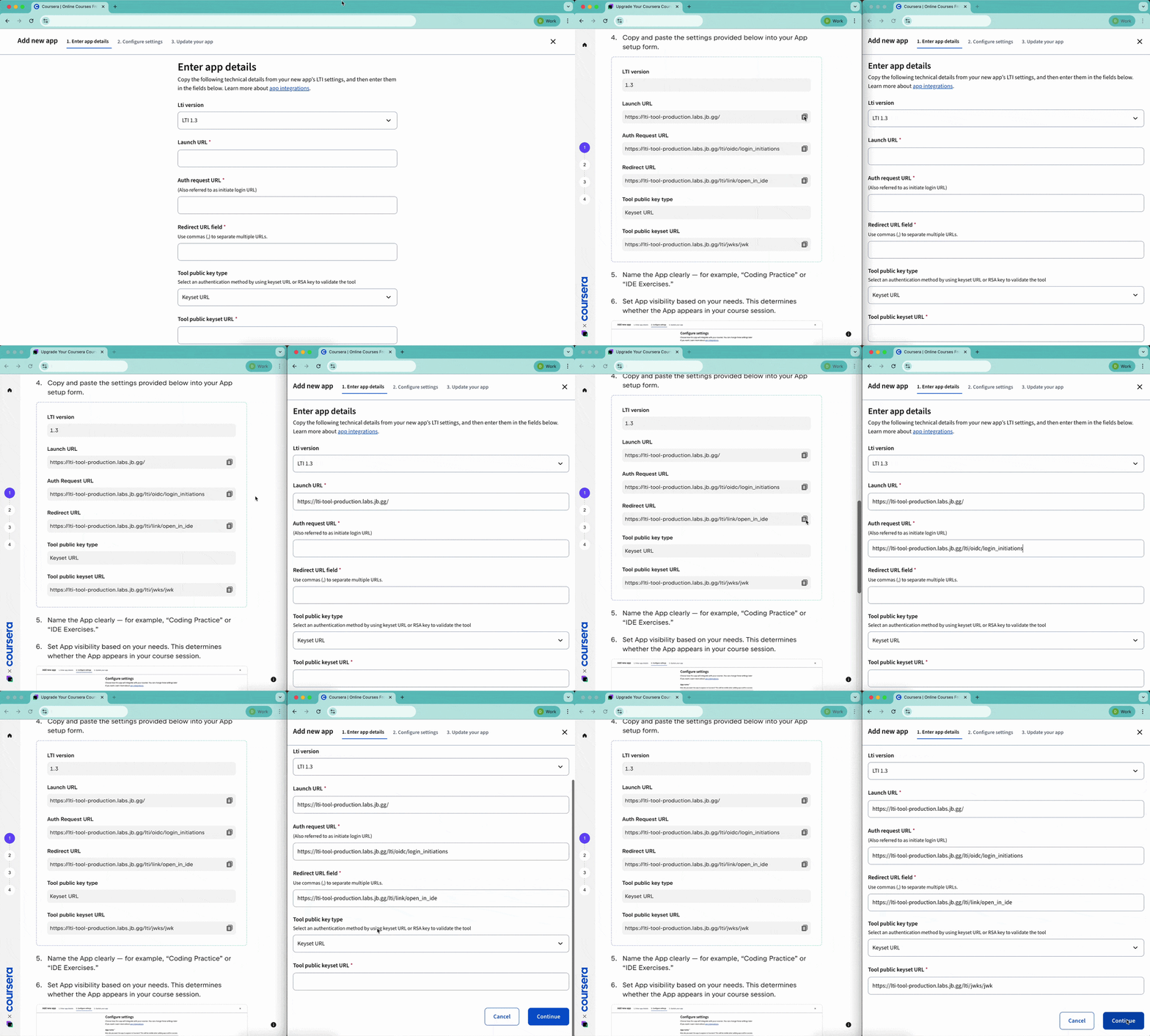
To use this integration, you'll need:
A published or in-progress Coursera course.
A course created in a JetBrains IDE with coding tasks.
Free access to JetBrains IDEs for you and your students.

Turn your programming course into practice-oriented learning by integrating hands-on coding tasks in professional JetBrains IDEs.
Get startedThis guide explains how to connect your Coursera course with JetBrains IDEs using the Apps (LTI) feature – from creating the App to publishing coding exercises that sync progress automatically.
Using Coursera's Apps (LTI) feature, you can easily embed coding exercises right into your course, giving your students a chance to apply what they've learned in real development environments.
To use this integration, you'll need:
Need help creating your JetBrains IDE course?
Reach out to us at academy@jetbrains.com – we’re happy to help!