
 Skill Path
From ML to GenAI: Building Real-World Apps on AWS
Learn to scope ML projects, craft prompts, and build Bedrock-powered chatbots – even if you’re new to machine learning.
About
Bridge the gap between AI theory and working products.
Start with ML fundamentals for decision-makers and learn prompt-engineering best practices. From there, you’ll dive into practical machine learning on AWS, training models with SageMaker and building real-world generative AI applications using Amazon Bedrock and LangChain. You’ll also work with foundation models on Bedrock (RAG, agents, guardrails) and learn how large language models are trained and optimized on AWS. No heavy math is required, and all steps are demonstrated in a sandbox environment.
By the end, you’ll have:
- A Bedrock-powered chatbot or RAG assistant running with guardrails and cost tracking.
- A project brief, data readiness checklist, and ROI storyboard ready to present to stakeholders.
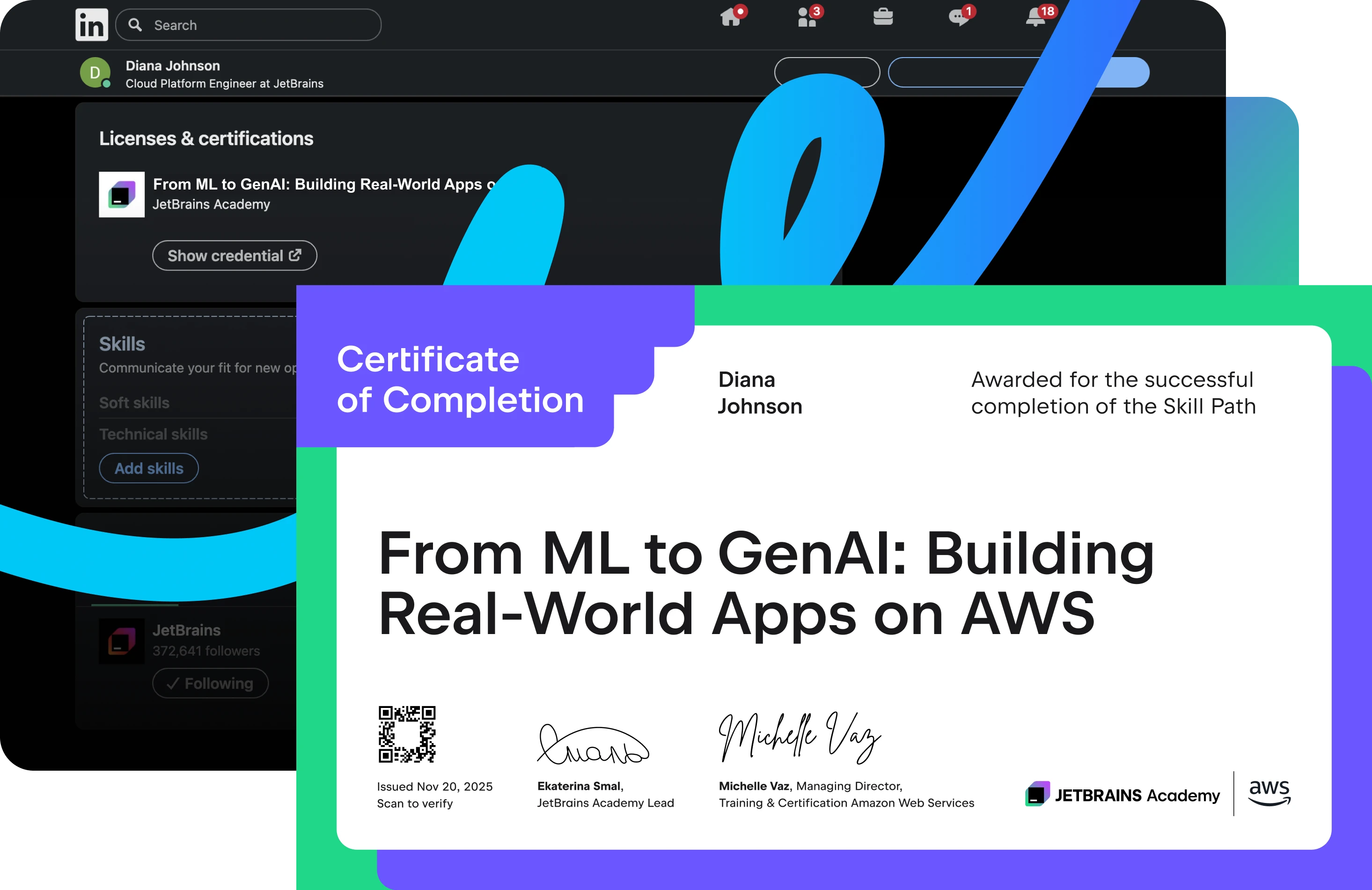
- Certificates confirming your ability to scope, prototype, and pitch LLM solutions.

What is a Skill Path?
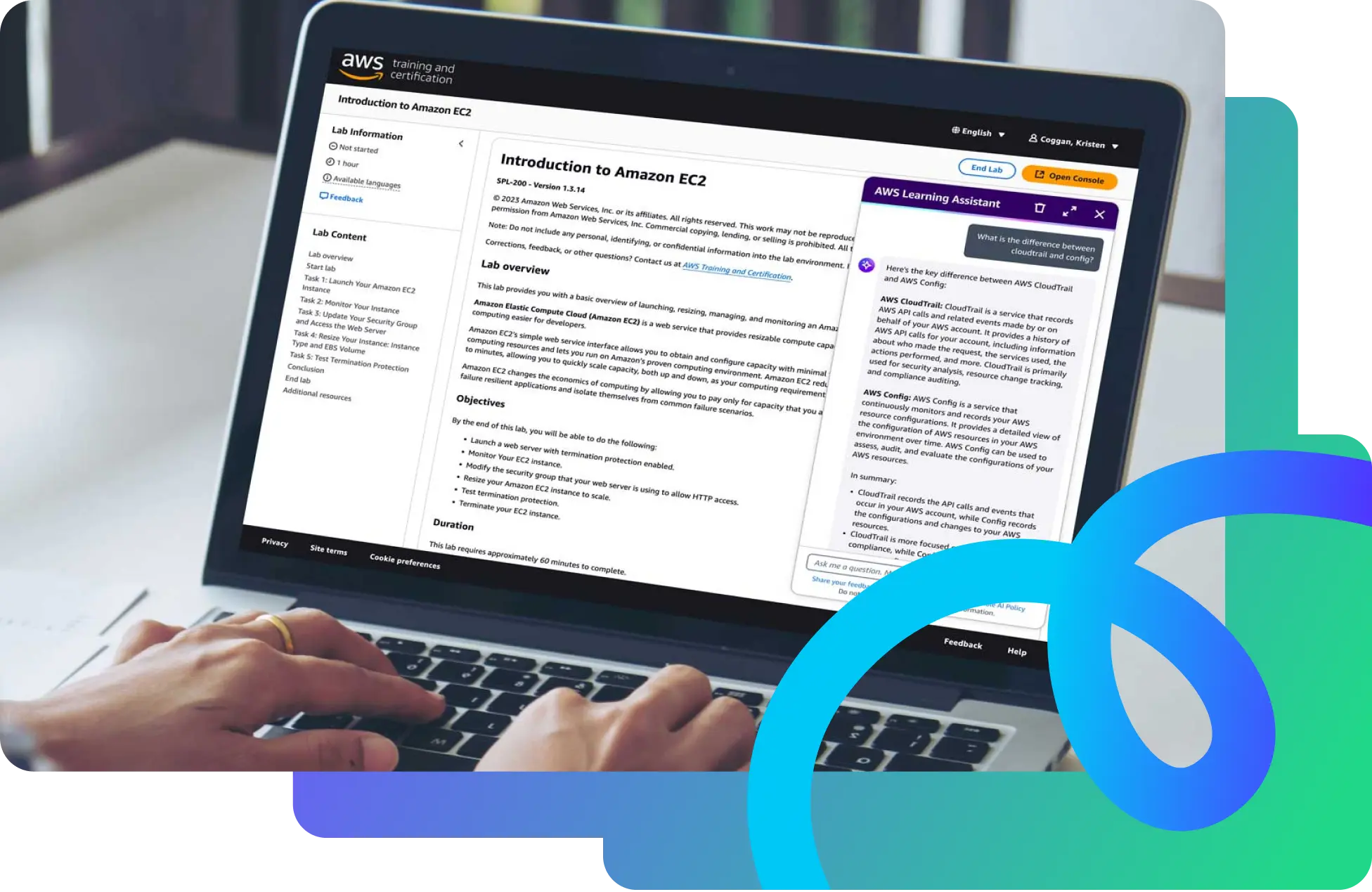
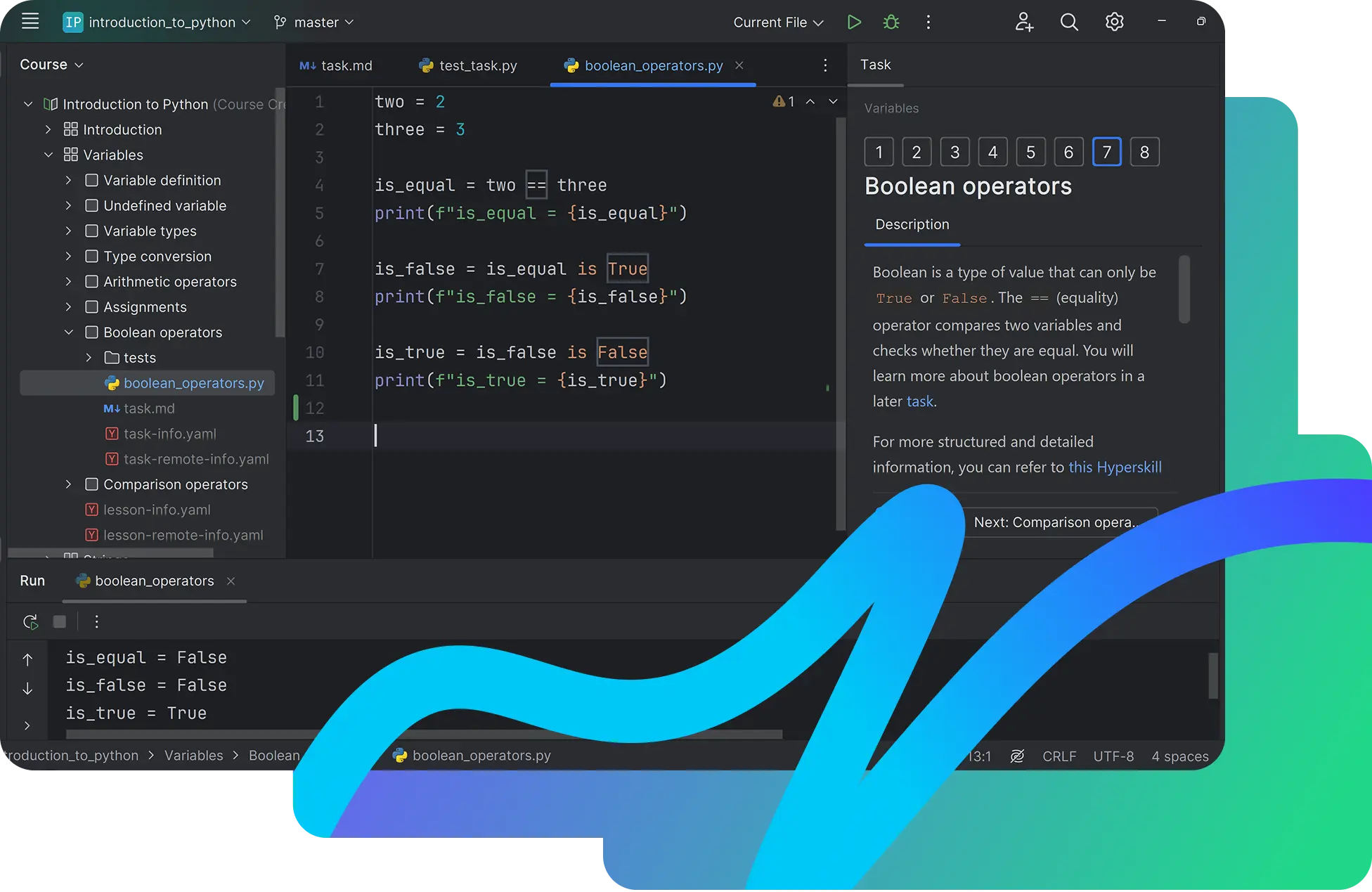
Built in collaboration with AWS, Skill Paths are integrated learning journeys that combine JetBrains IDE projects, AWS video lessons, and hands-on cloud Labs to give you real-world practice.
Content
1. Introduction to Machine Learning: Art of the Possible
2. Machine Learning Terminology and Process
3. Planning a Machine Learning Project
4. Python Libraries – NumPy
5. Amazon Bedrock Getting Started
6. Mastering Large Language Models
7. Building Language Models on AWS
8. Building Generative AI Applications Using Amazon Bedrock
Get real experience with real developer tools

FAQ and troubleshooting
There are two ways to activate your coupon:
Go directly to the PyCharm checkout page, click "Have a discount code?", enter your personal coupon from the welcome email, and complete the checkout. You'll get a 3-month PyCharm Professional subscription linked to your JetBrains Account.
Alternatively, use the JetBrains redeem page. Enter the same email address that's linked to your JetBrains Account, choose PyCharm from the Product dropdown menu, and apply your coupon code.
Just JetBrains Toolbox 2.7+ and PyCharm – everything else runs in the cloud.
If your course doesn't start or load correctly inside the IDE, make sure you have the latest versions of both the JetBrains Toolbox and PyCharm installed.
When you use Microsoft Edge, automatic sign-in between the JetBrains web platform and the Toolbox App may not occur. This means that even if you're already signed in on the web, the Toolbox App won't automatically recognize your account.
To fix this, please manually sign in to the Toolbox App using your JetBrains Account credentials. This will properly authorize your IDE when launched through the Toolbox App, and your course will open correctly.
This issue may occur if you're using different accounts on the JetBrains Toolbox App and the web. It often happens when a personal and a work account get mixed up.
Please make sure you're signed in with the same account on the JetBrains Toolbox App and the web version of the course. If the problem persists, please report it through our issue tracker.

 Skill Path