
3. Make coding tasks gradable
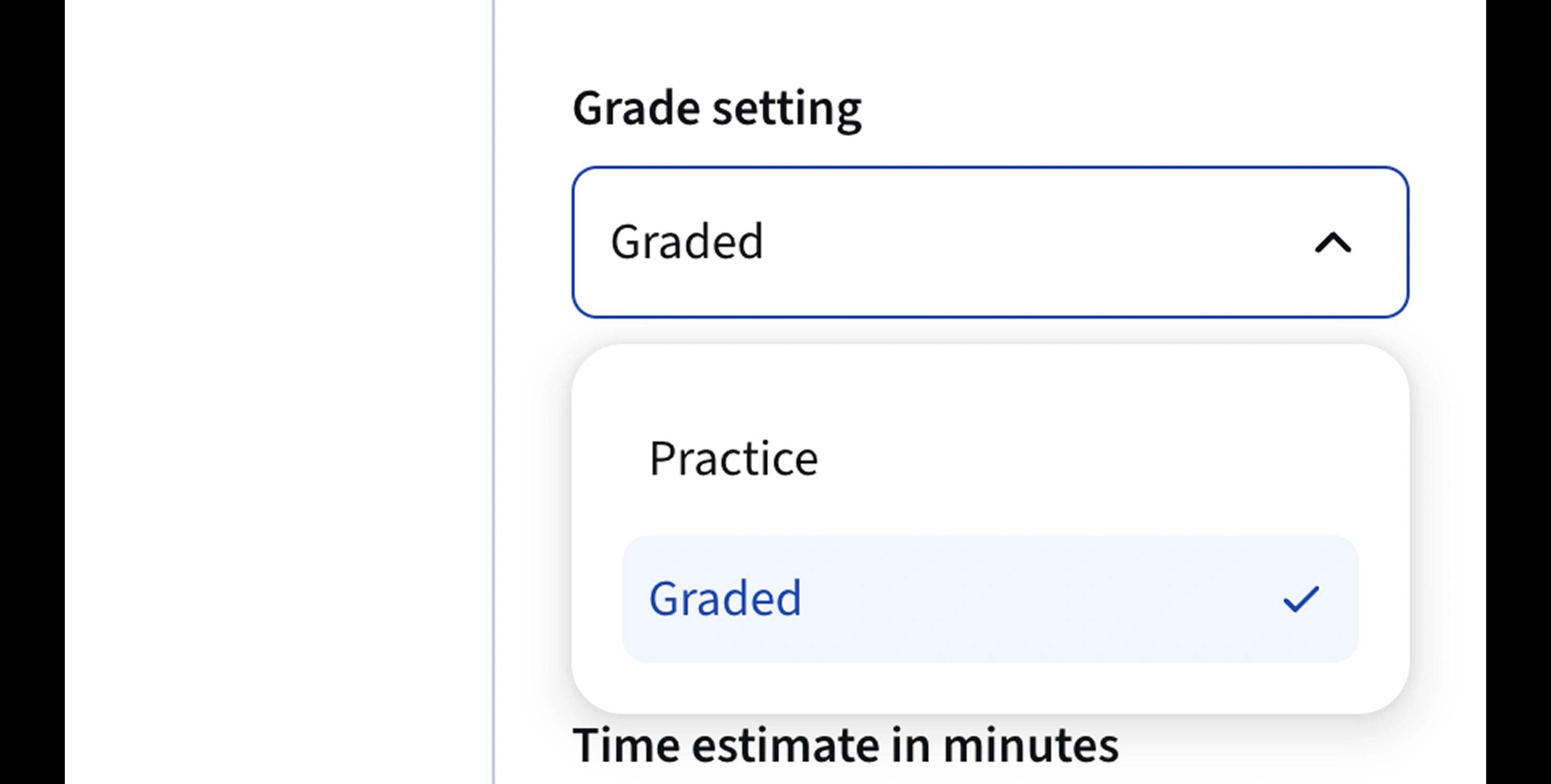
If you want to Path student performance in Coursera: Set Grade setting to Graded for each coding task.
Note: Only coding tasks (not theoretical tasks, sections or lessons) can be graded.

- Open the Coursera Apps page in one browser window.
- Open this guide side-by-side. This way, it will be convenient for you to copy values from the guide into Coursera and double-check that each step is done correctly.
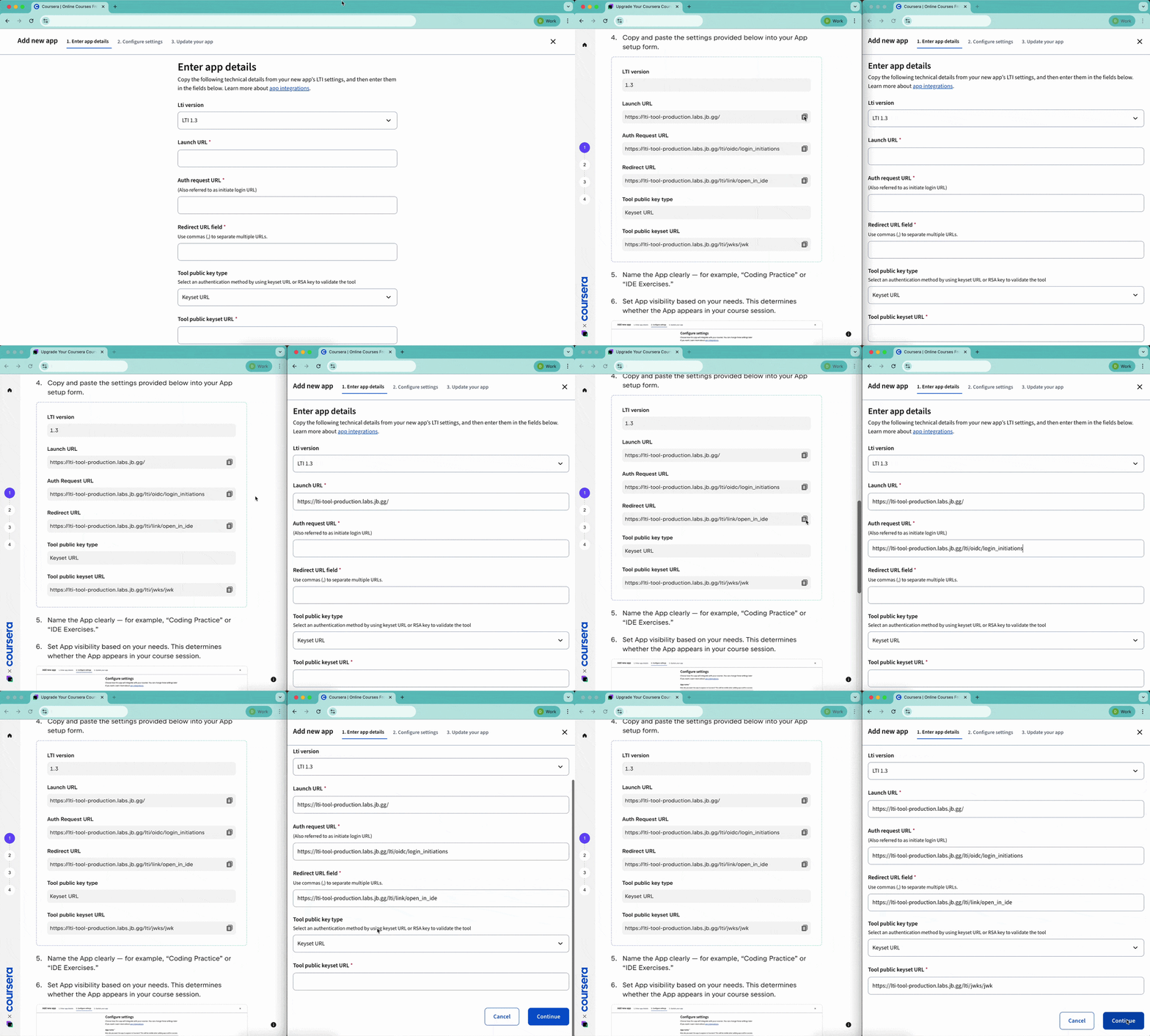
- Follow the steps in the guide to connect JetBrains IDEs via the Apps page.